

One. Just ONE website with TONS of tools! For the first time in foreverrrrrrrr we only focused on one tool. Whiteboard.chat is the highlight of our week! There are SO many ways to use this tool, it seemed like it needed its own episode. Here are the highlights!
Whiteboard.chat
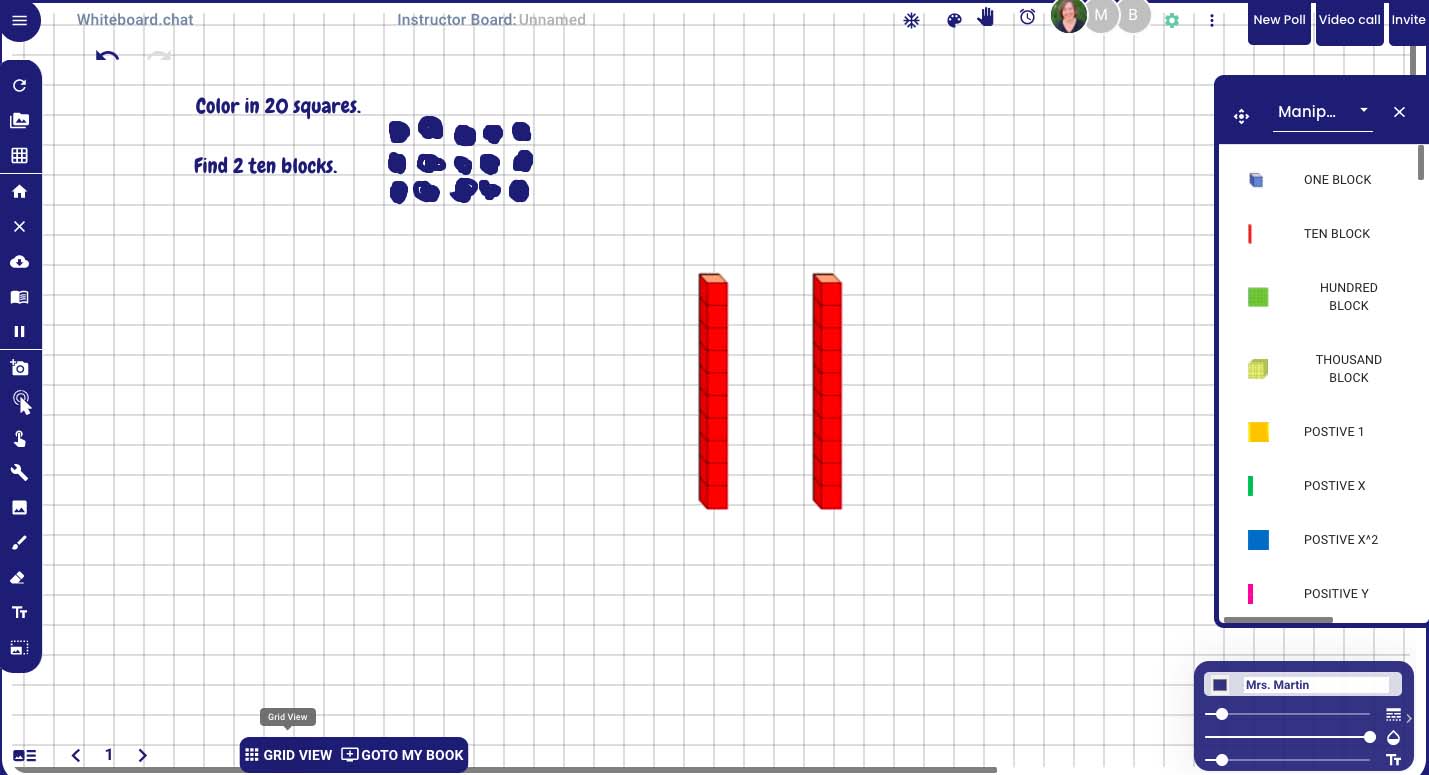

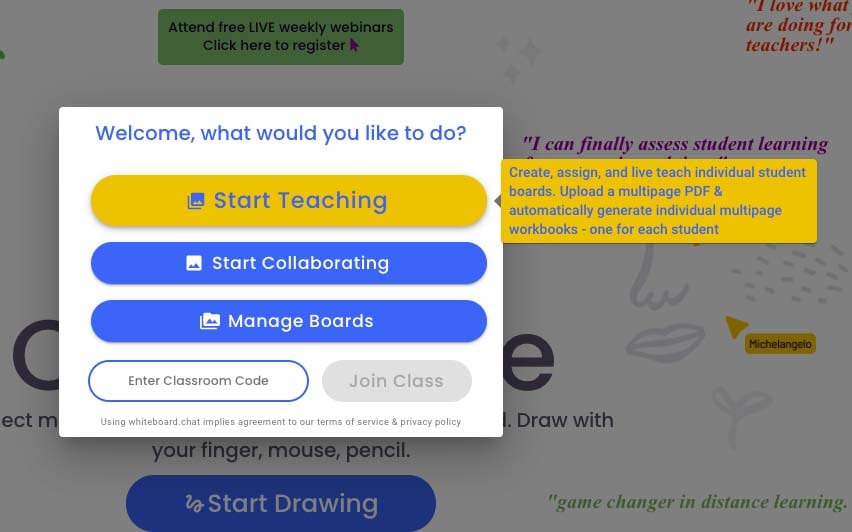
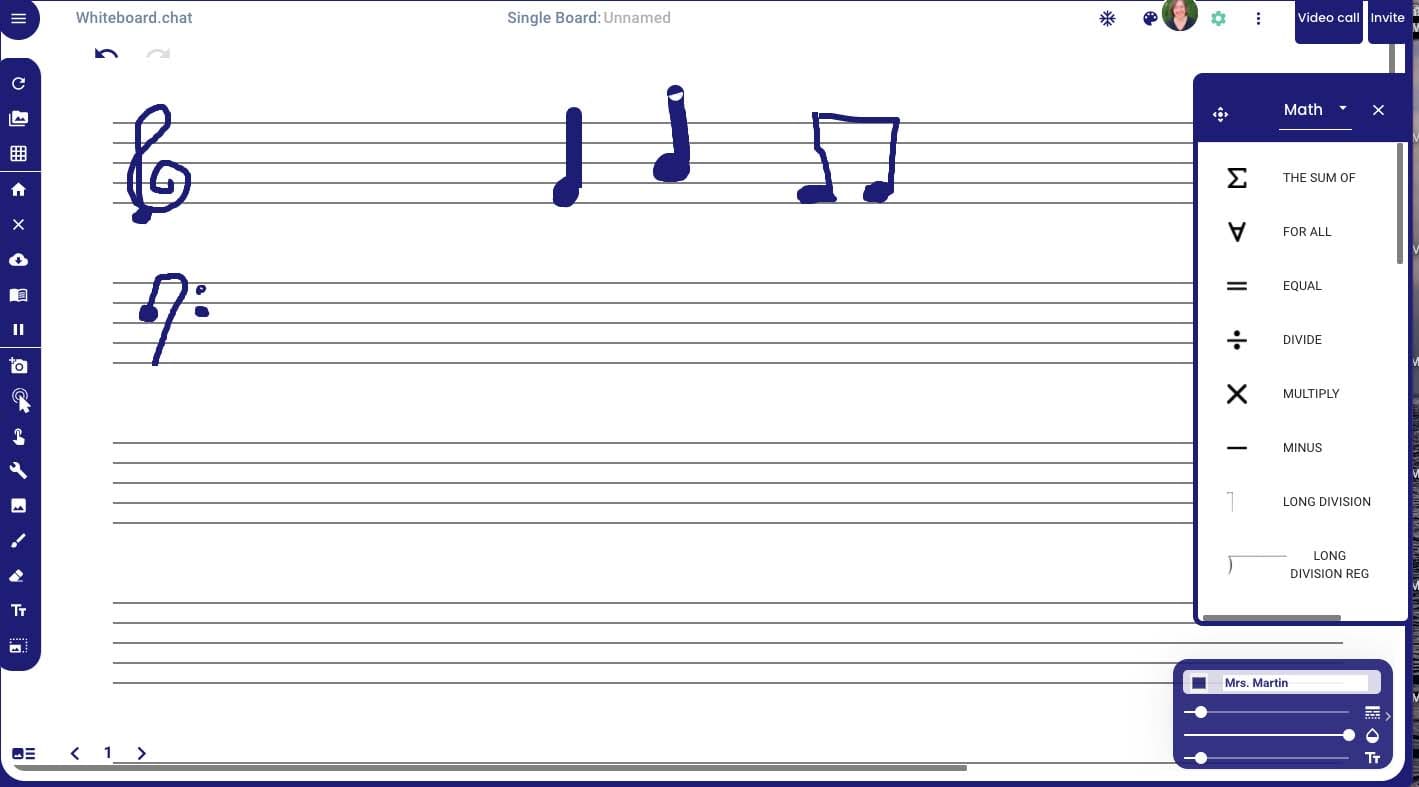
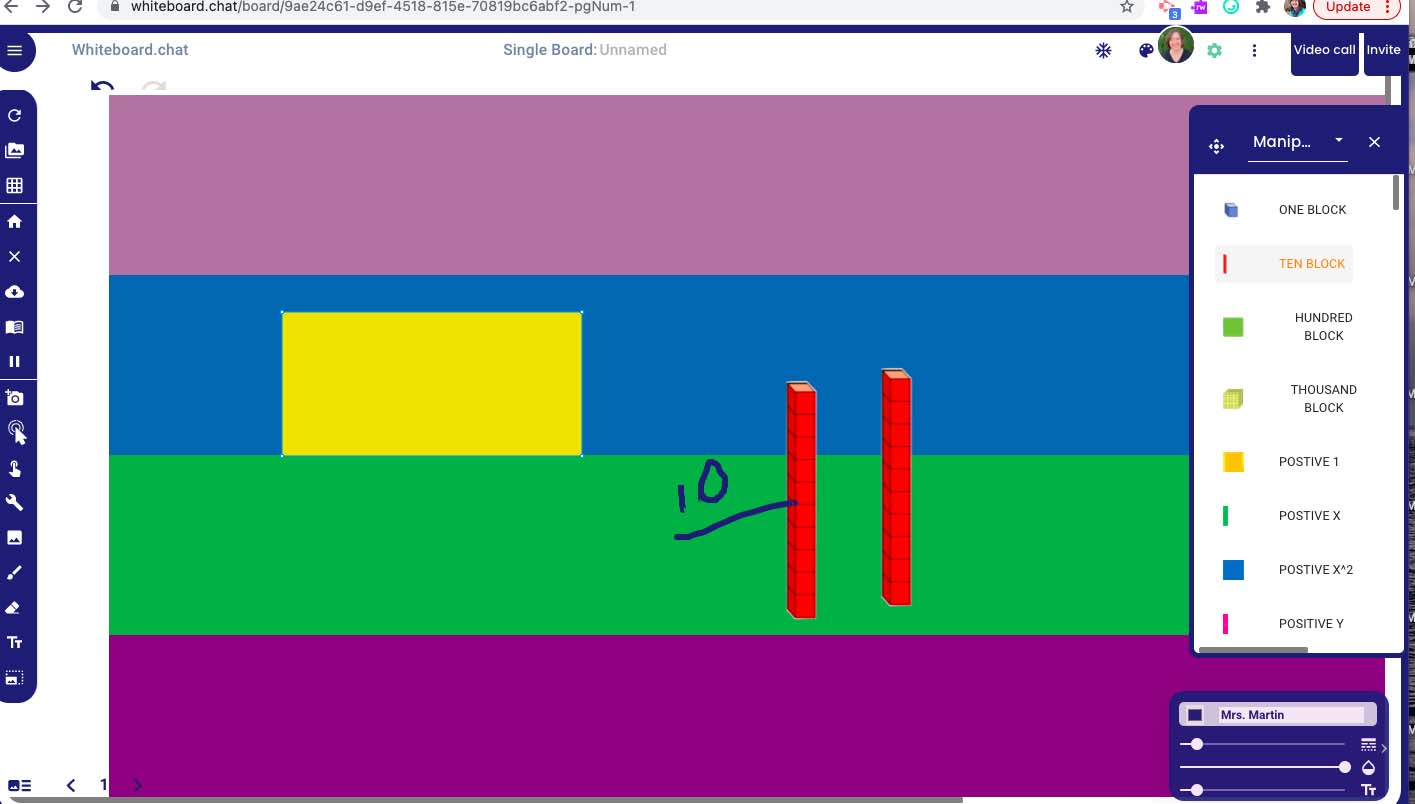
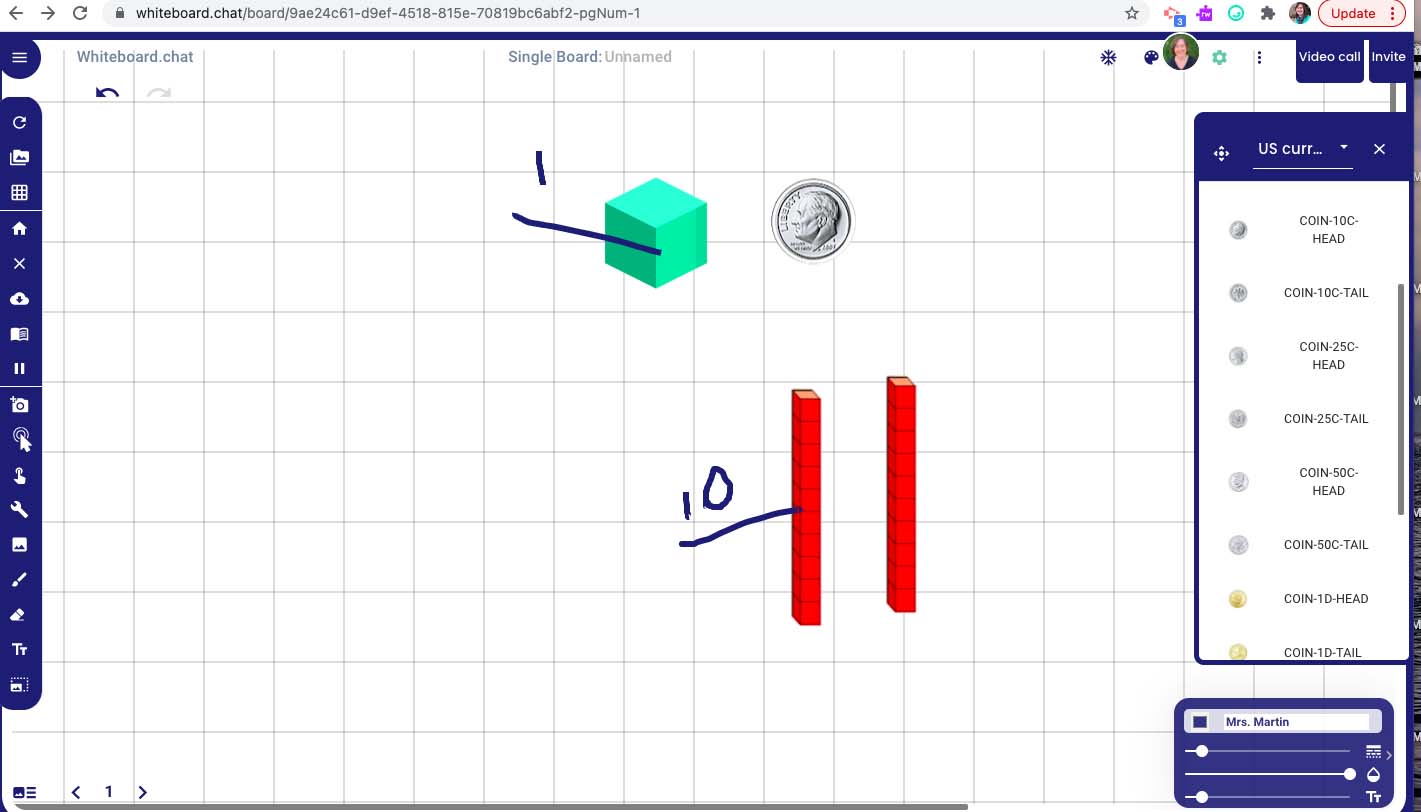
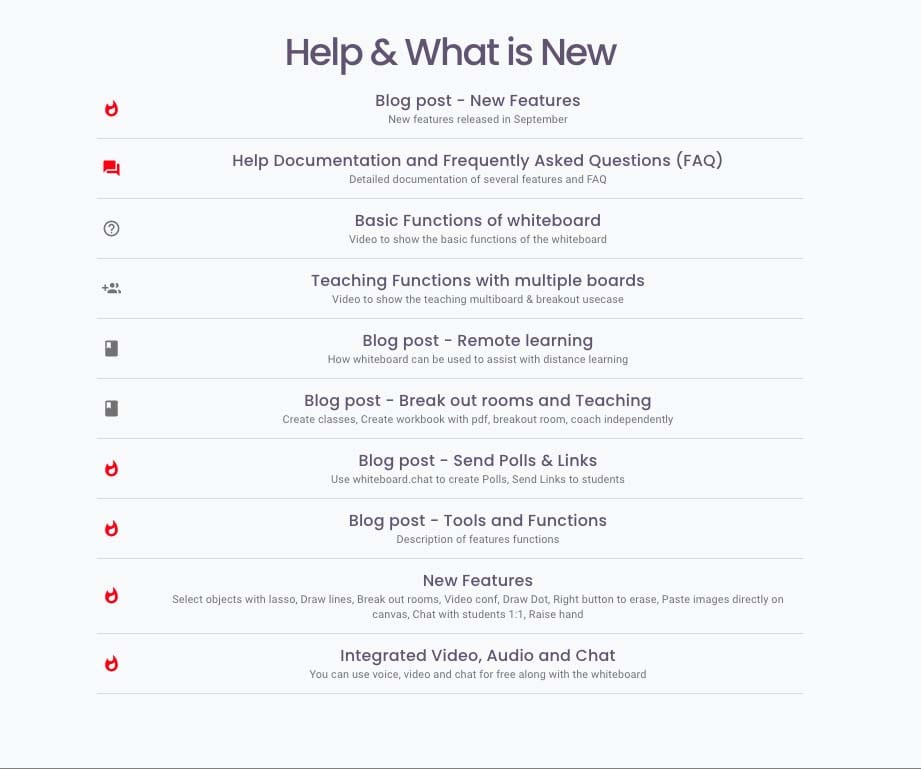
Whiteboard.chat is more than just a virtual whiteboard. As an educator, you can invite your whole class to work individually, in groups or all on the same whiteboard. There are tons of “grids” for you to use for explanations from graph paper to written music. You can also assign “books” to students with pre-made questions or assignments of your creation. Then you can use them with your class virtually or if you are in a video meeting, the students can work as you teach.
There are all sorts of tools and manipulatives that you or your students can use. They range from math to chemistry to animals and everything in-between.
Want your students to stop and pay attention? Hit the snowflake and the entire class will be “iced out” of doing any work for 10 seconds.
Check out all Whiteboard.chat has to offer and set your controls as you deem appropriate for you classroom. There are SO many options. Take some time and check them out!
TECH MENTIONED IN THIS EPISODE:
Take care and for those of you enjoying this cold snap…Stay Warm!
Related Episodes: