Start 2026 Coding!
January 5, 2026
Welcome to 2026 and the 225th episode of the Tech Tools for Teachers Podcast. It’s also year eight of the show!
This week’s inspiration came straight out of our winter break experience: we watched a whole lot of Mark Rober / CrunchLabs in the Martin household. Between Netflix, YouTube, and a new CrunchLabs subscription, coding + problem-solving were basically playing in the background every day for the past two weeks. So, I thought it would be great to showcase some classroom-friendly resources that build those same skills.
Here are the two tools we talk about on this week’s episode:
Coddy.tech
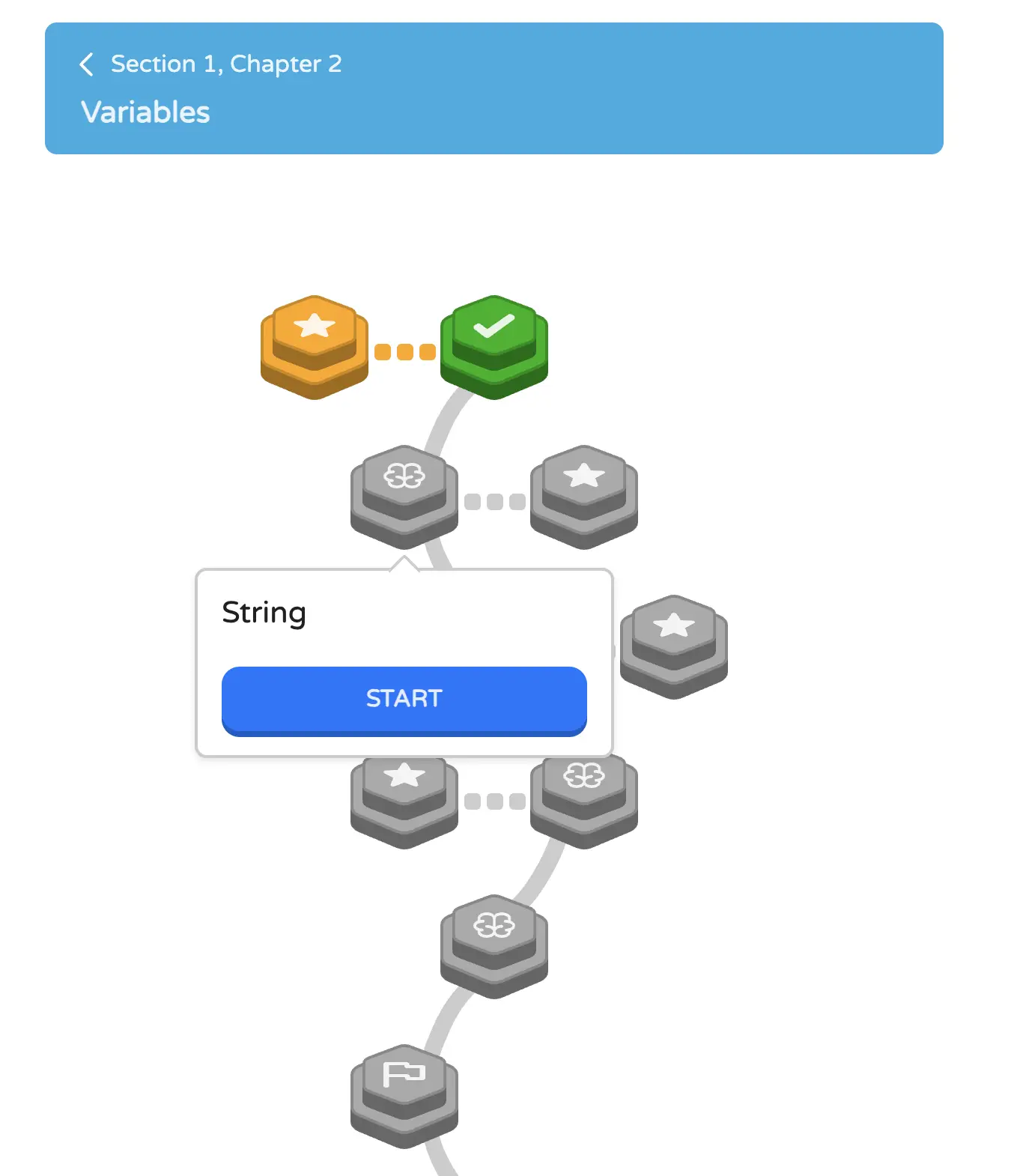
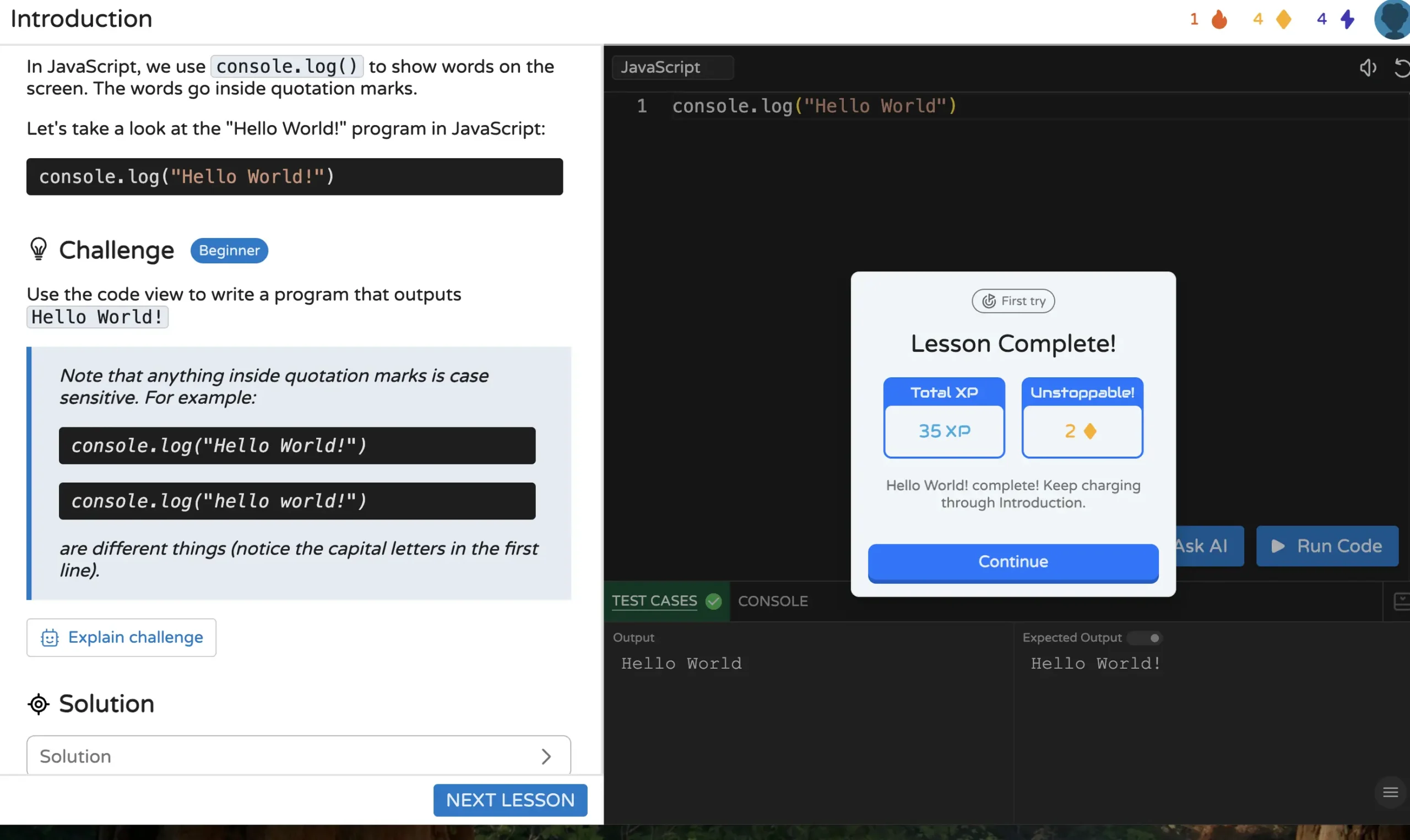
If you’re looking for a straightforward “learn real coding” pathway, Coddy.tech is a solid pick—especially for upper elementary (around grade 5+) through high school.
What it does well
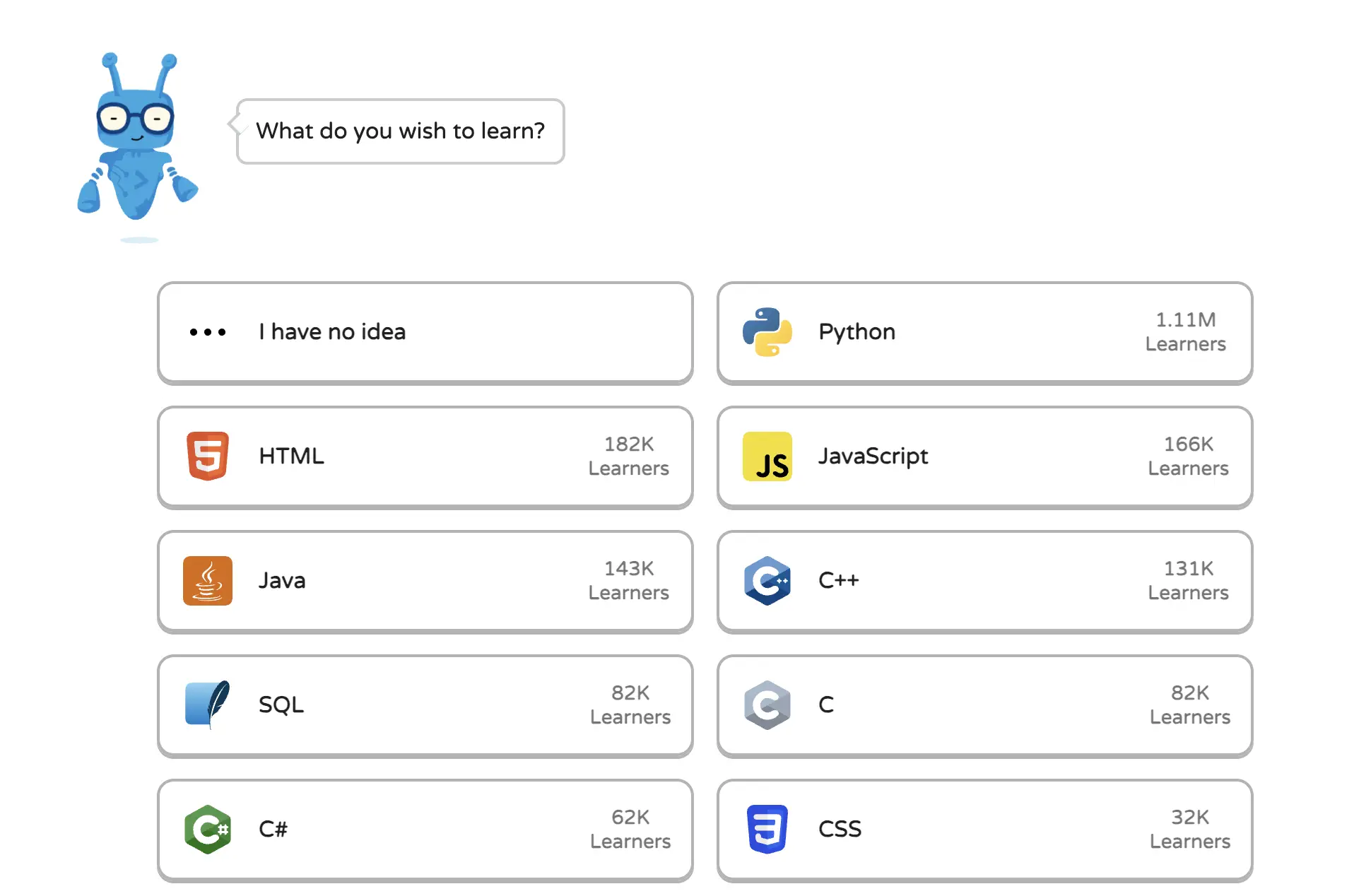
- Lets students choose what language they want to learn:
- Python, HTML, JavaScript, Java, C++, CSS, and more
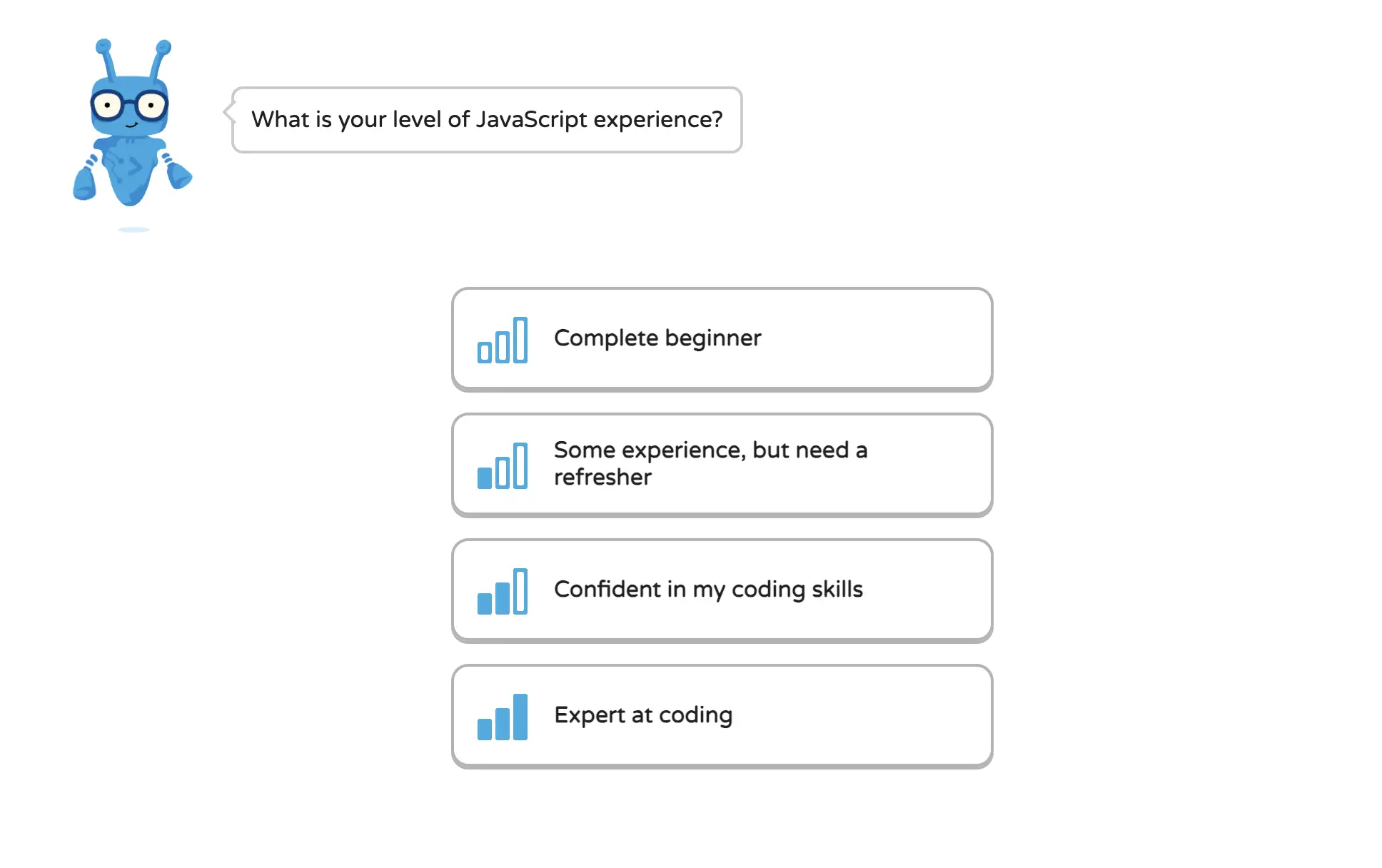
- Lets students choose their starting level:
- beginner to expert
- Builds learning in a step-by-step “path” (skill by skill)
- Includes:
- challenges
- hints/solutions if students get stuck
- feedback and error warnings (“nope, fix this part”)
- Allows goal-setting by time:
- 5 minutes/day, 10 minutes/day, 30 minutes/day, etc.
Classroom uses
- Enrichment / coding club
- Independent stations
- Indoor recess option (hello, January)
- Differentiated learning (kids aren’t forced into the same level)
There is a Pro version, but there’s plenty students can do without it.
RaspberryPi.org Projects (projects.raspberrypi.org)
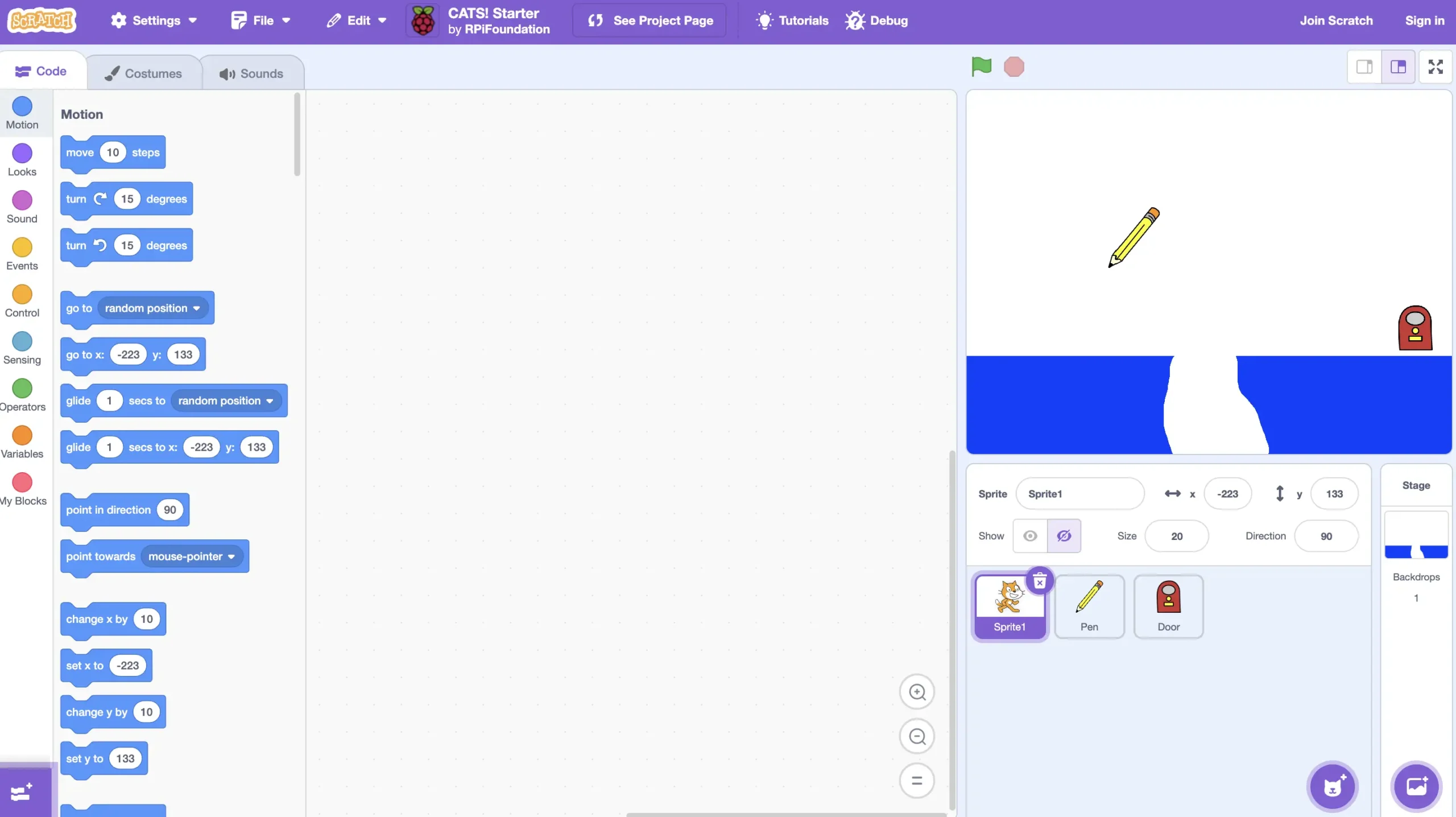
Yes, Raspberry Pi is hardware… but Shanna’s key point: you don’t need the device to use their learning materials.
Go straight to: projects.raspberrypi.org
Why it’s awesome
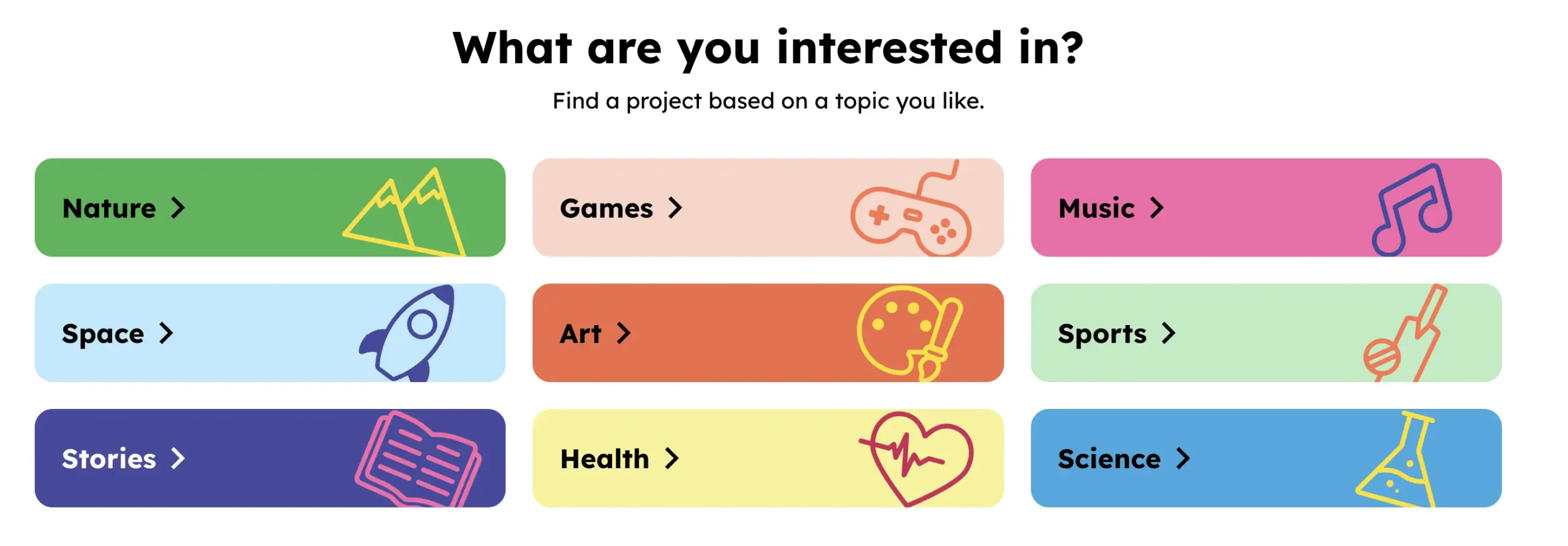
- Projects are organized by interest area, not just “computer stuff”:
- nature, space, stories, games, art, health, music, sports, science
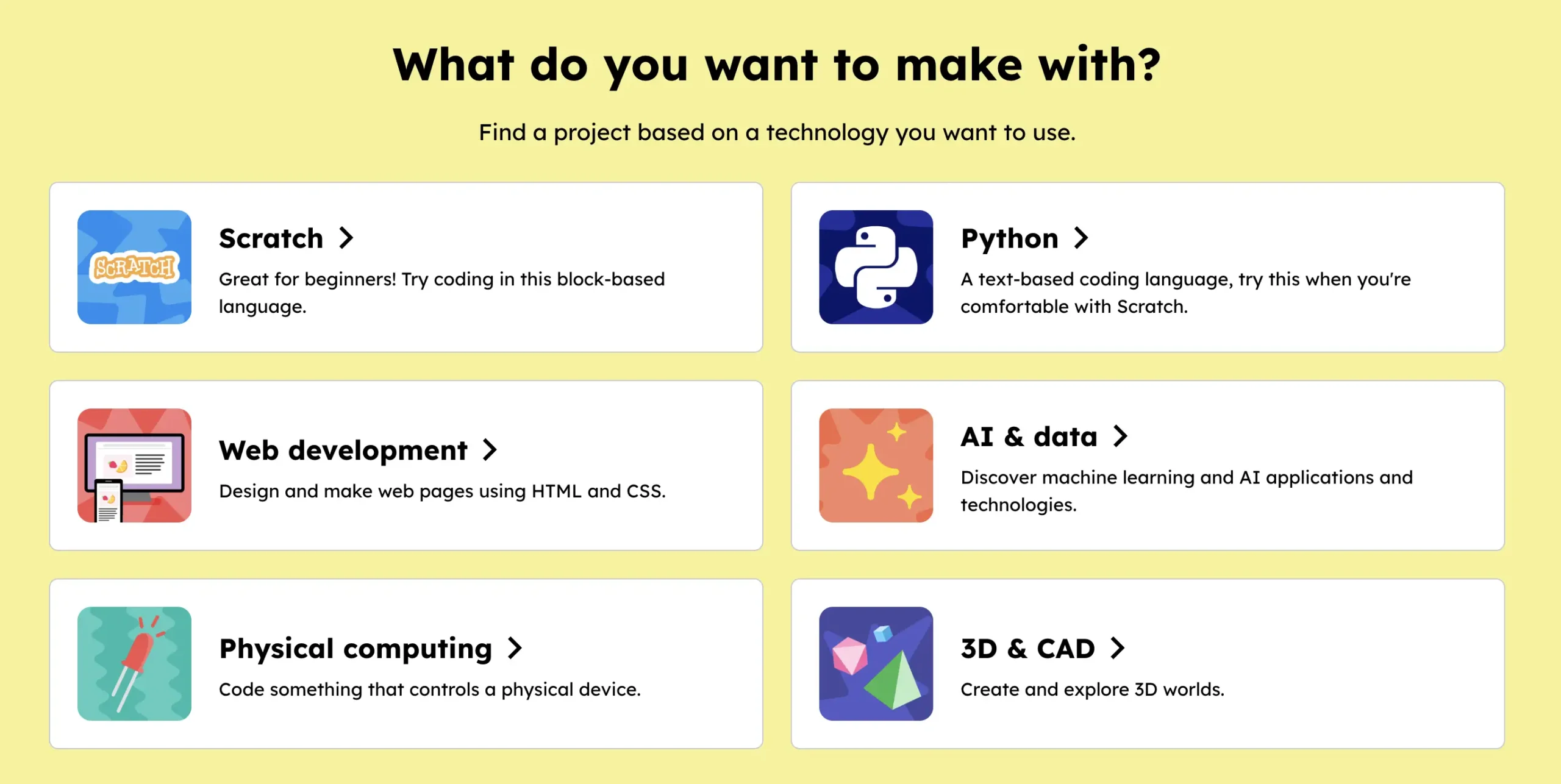
- Also sortable by skill/tool type:
- Scratch, Python, AI/data, web dev, physical computing, 3D/CAD
- Supports a wide range of ages (Scratch projects can start young)
- Printable/step-by-step directions are available for many projects
This is especially great when you want students to see that coding connects to everything—not just “tech class.”
Why These Work So Well Together
- Coddy is a structured pathway for learning coding languages
- Raspberry Pi Projects uses creative, theme-based projects that connect coding to real interests
Both reinforce the same core skills:
- problem-solving
- persistence (try → fail → adjust → try again)
- logical thinking
- creativity
- typing + accuracy
Tech Mentioned in the Episode
- Coddy: coddy.tech
- Raspberry Pi Foundation learning: raspberrypi.org
- Project hub: projects.raspberrypi.org (Note: raspberrypi.com is for buying hardware.)