Creating Stories with My Storybook
October 17, 2022

Many teachers that I chat with are looking for new ways to engage their students in writing. So I am always on the lookout for easy sites for students to create stories with. This week, we chat about My Storybook, which covers all of those needs.
My Storybook
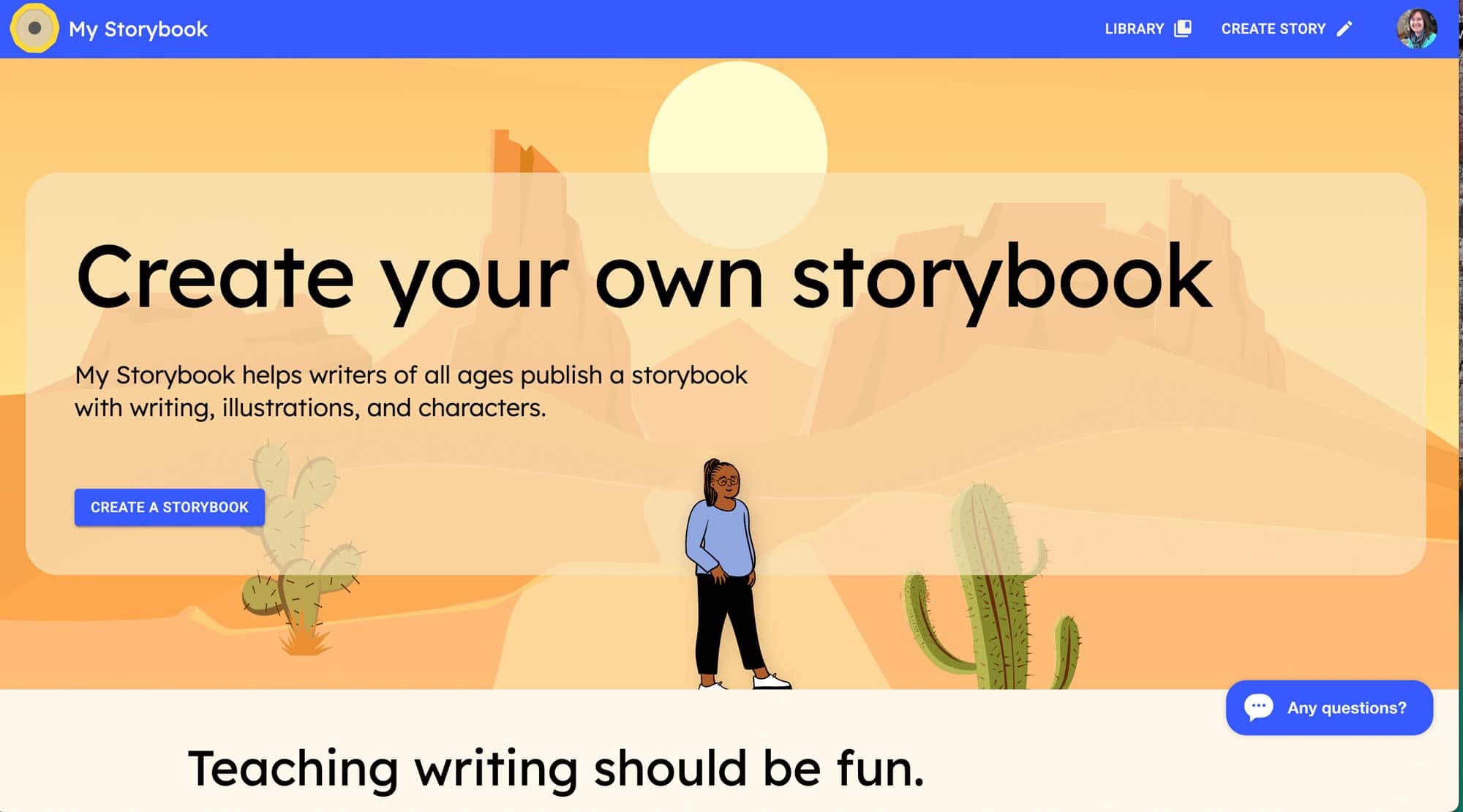
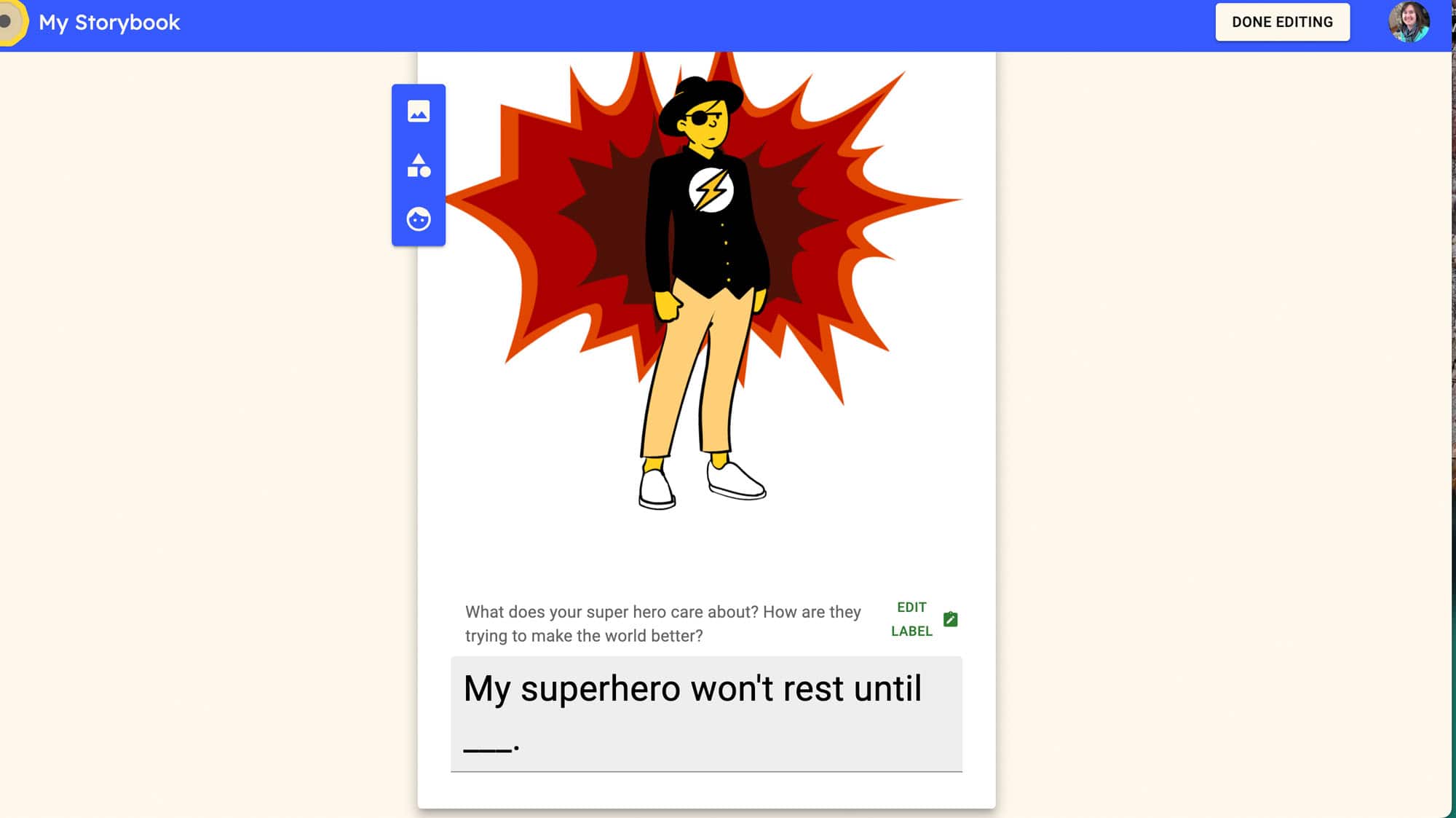
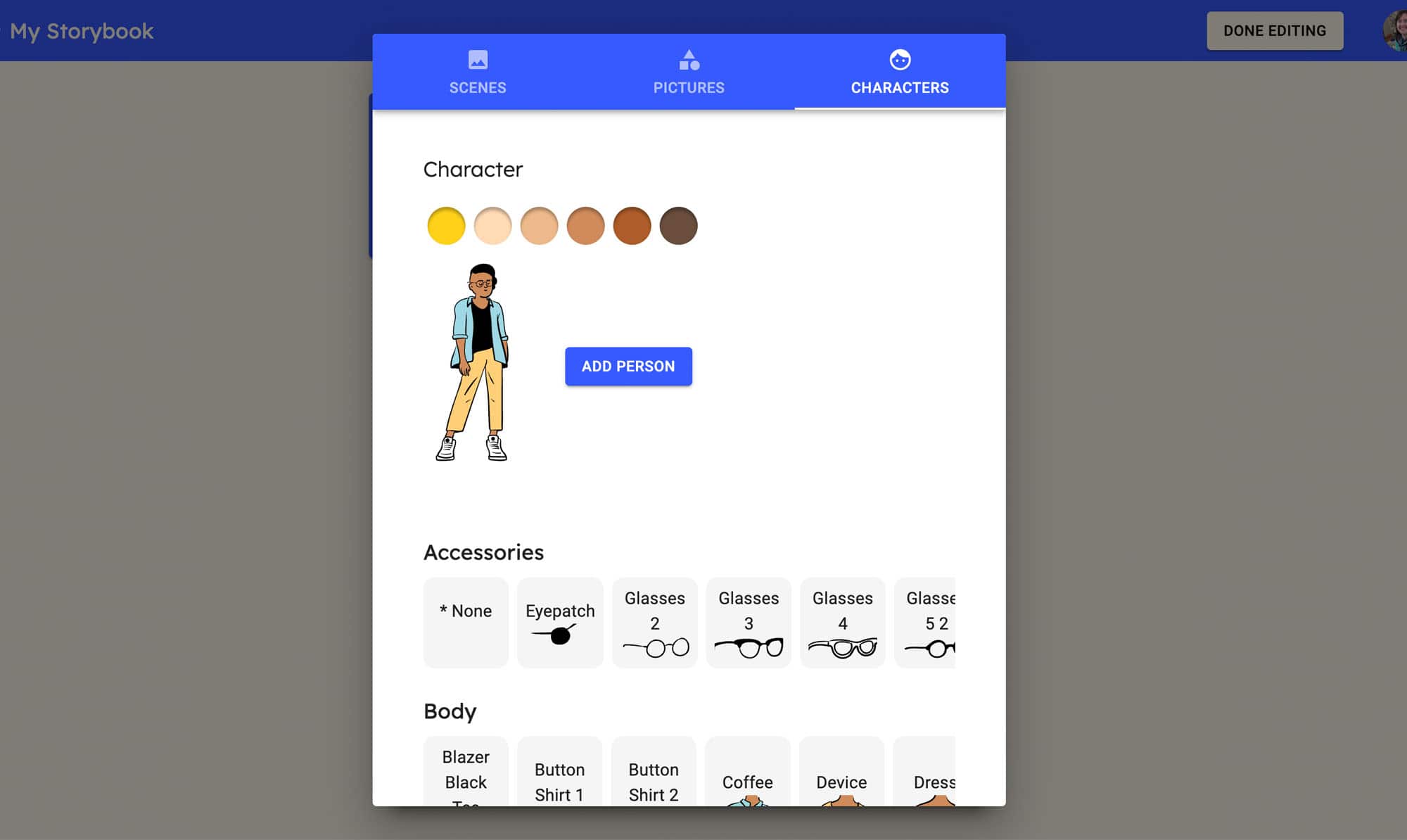
My Storybook is an easy way to engage students in story writing. They have a few story starters if your students need them or you can just create a new story on your own. By creating a storybook, students can type in their text and create images for each page. There are images for backgrounds, items and characters that can be a part of the story. You are also able to go back and edit as needed. The website set up is simple so that elementary students can easily find where they need to go to create.
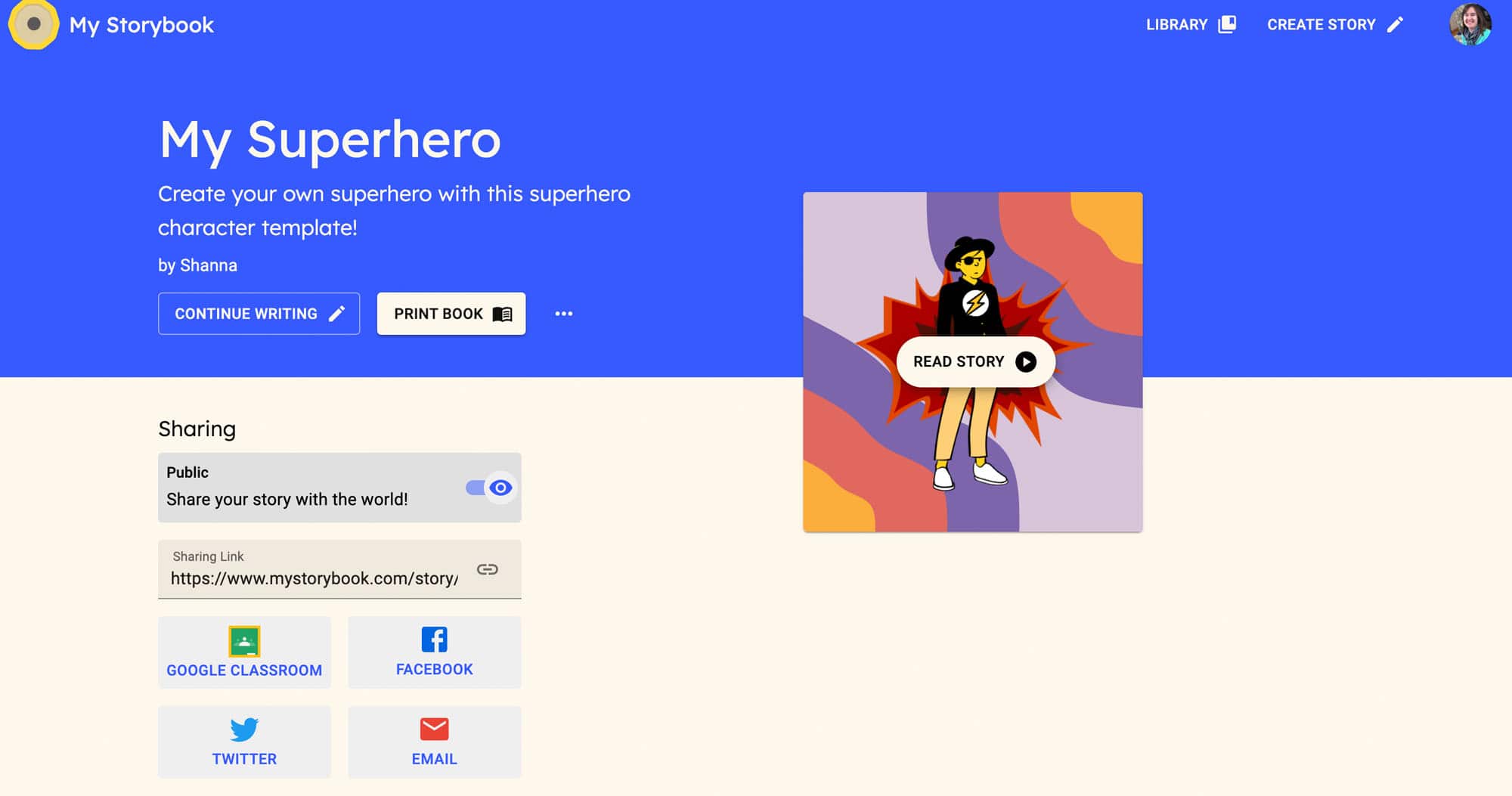
It is also nice that My Storybook allows you to easily share stories with a shareable link so that parents can see their child’s creations. It also connects to Google Classroom so that you can share links easily with your students. This is a great way to have students practice their writing in a different way than just typing into a document. You can use the story creator in a variety of ways, not just stories but also memoirs, small moment writing and narratives. This is a great way to engage and encourage students to write in your classroom.
My Storybook is free but also has premium options for authors and educators if you would like to print stories. There are a lot of fun ways you can build this site into your writing units and students will have fun creating!
Have a great week!
TECH MENTIONED IN THIS EPISODE:
Related Episodes