Creating with Snappa and Adobe Express
September 26, 2022
Now that we are back in the swing of things, let’s talk about student projects. 😀 A lot of the teachers I work with love to build projects into their lessons and are looking for quick ways to have students share information. We love to have our students be creative but also need them to not spend tooooo much time with their project. The two tools we are chatting about this week are great for creating professional looking projects that have a quick learning curve. They can be used in any content area and can be shared easily with the teacher.
Snappa
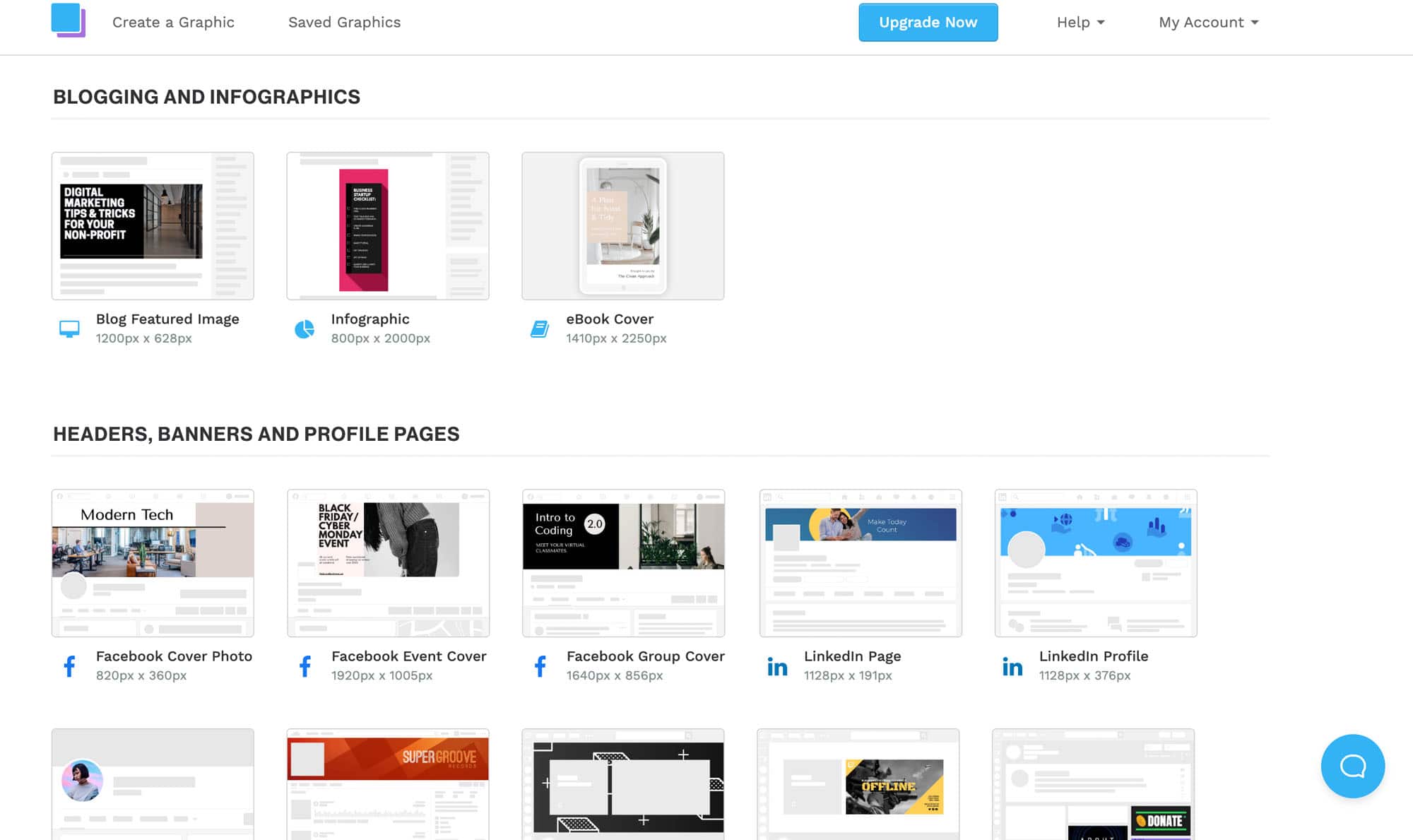
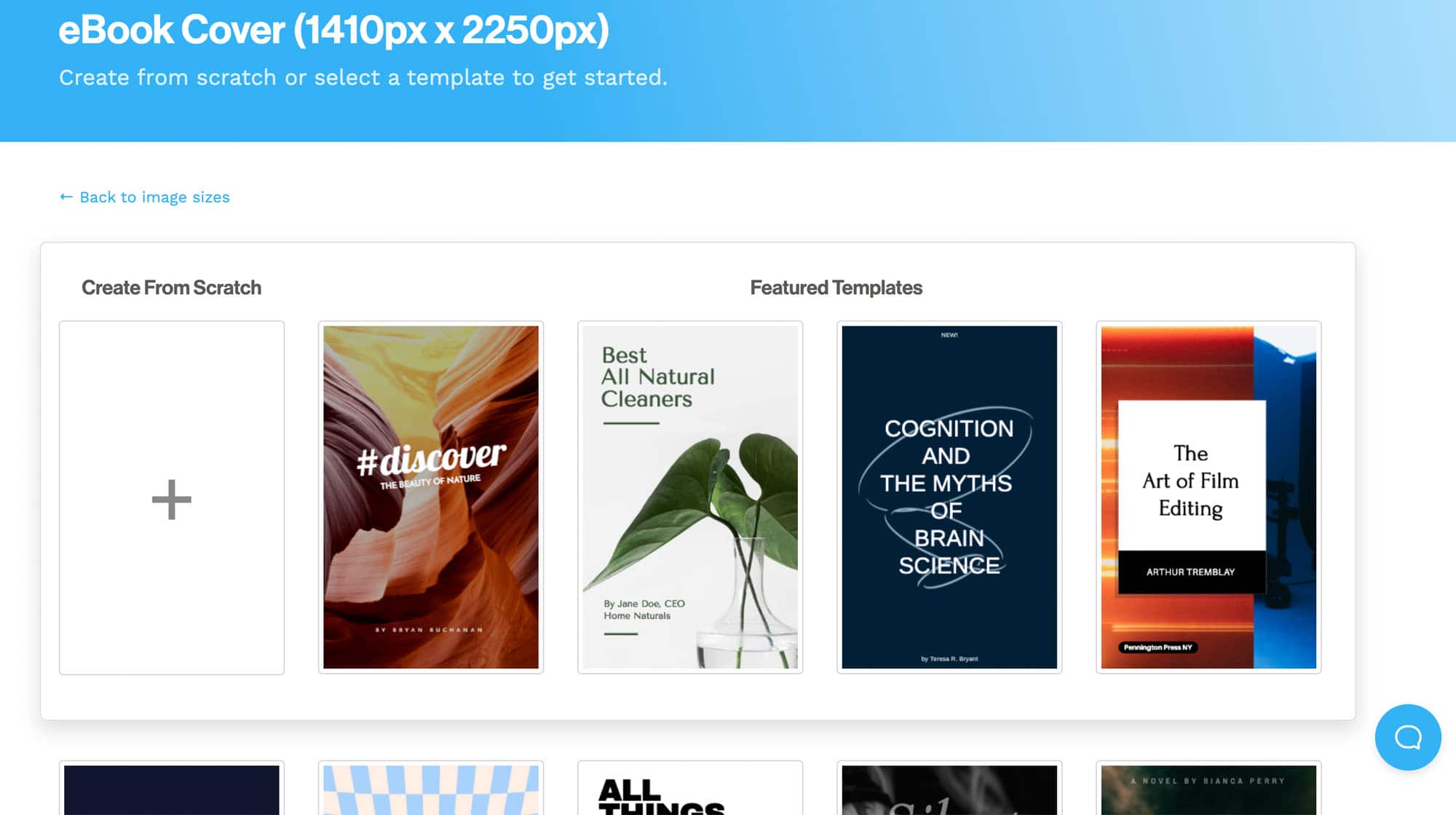
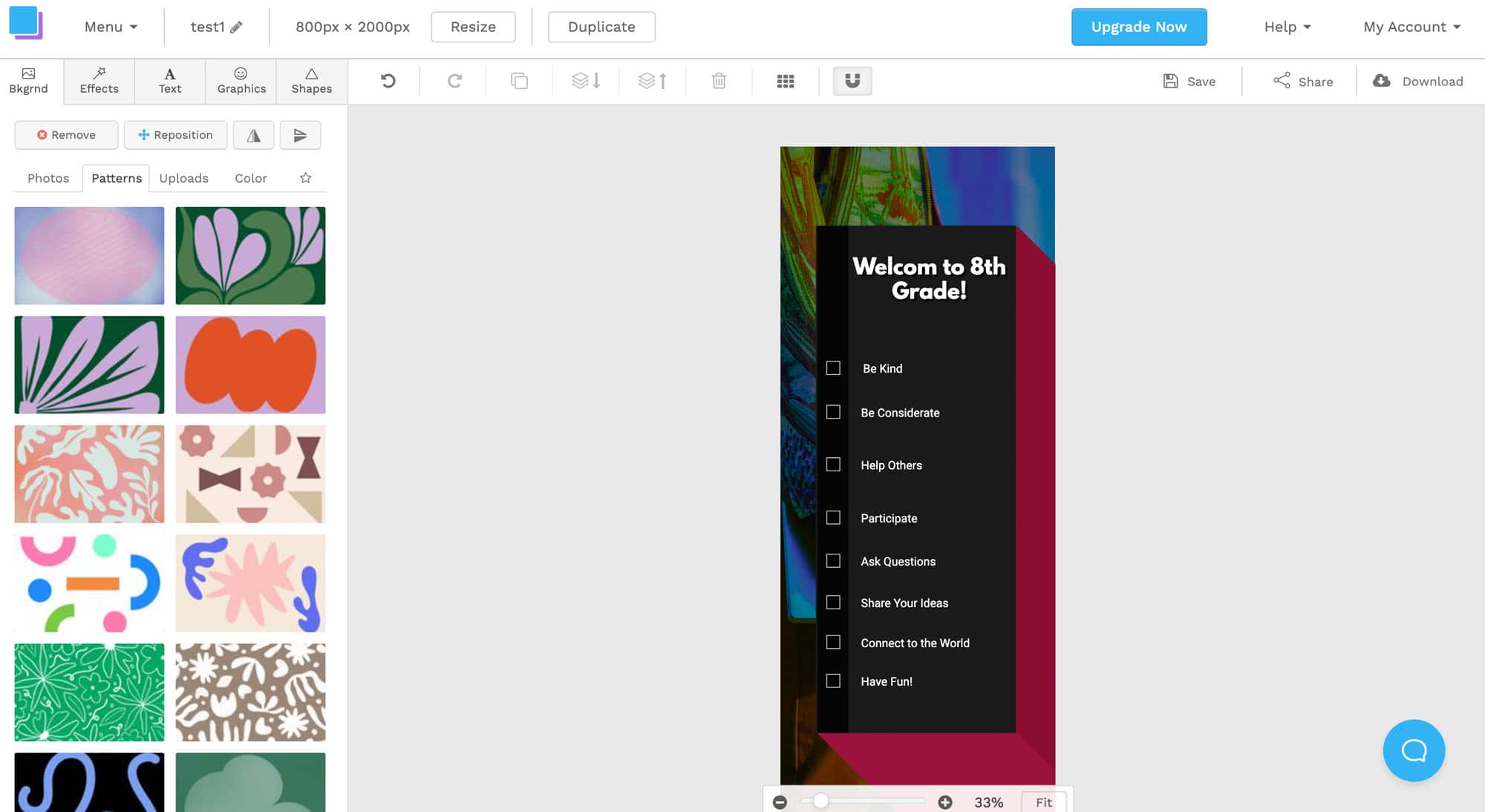
First up is Snappa! We talked about this tool a while ago in Episode 45. This tool is great for infographics, book covers and a variety of digital posters. There are easy to use templates and lots of choices for images and creativity! Students can use these templates to start then add their own information and images. Or they can create from scratch by choosing to make a custom graphic. The free version of Snappa allows 3 downloads a month so if you are having students use the site often, keep that in mind when creating your plans!
Adobe Express
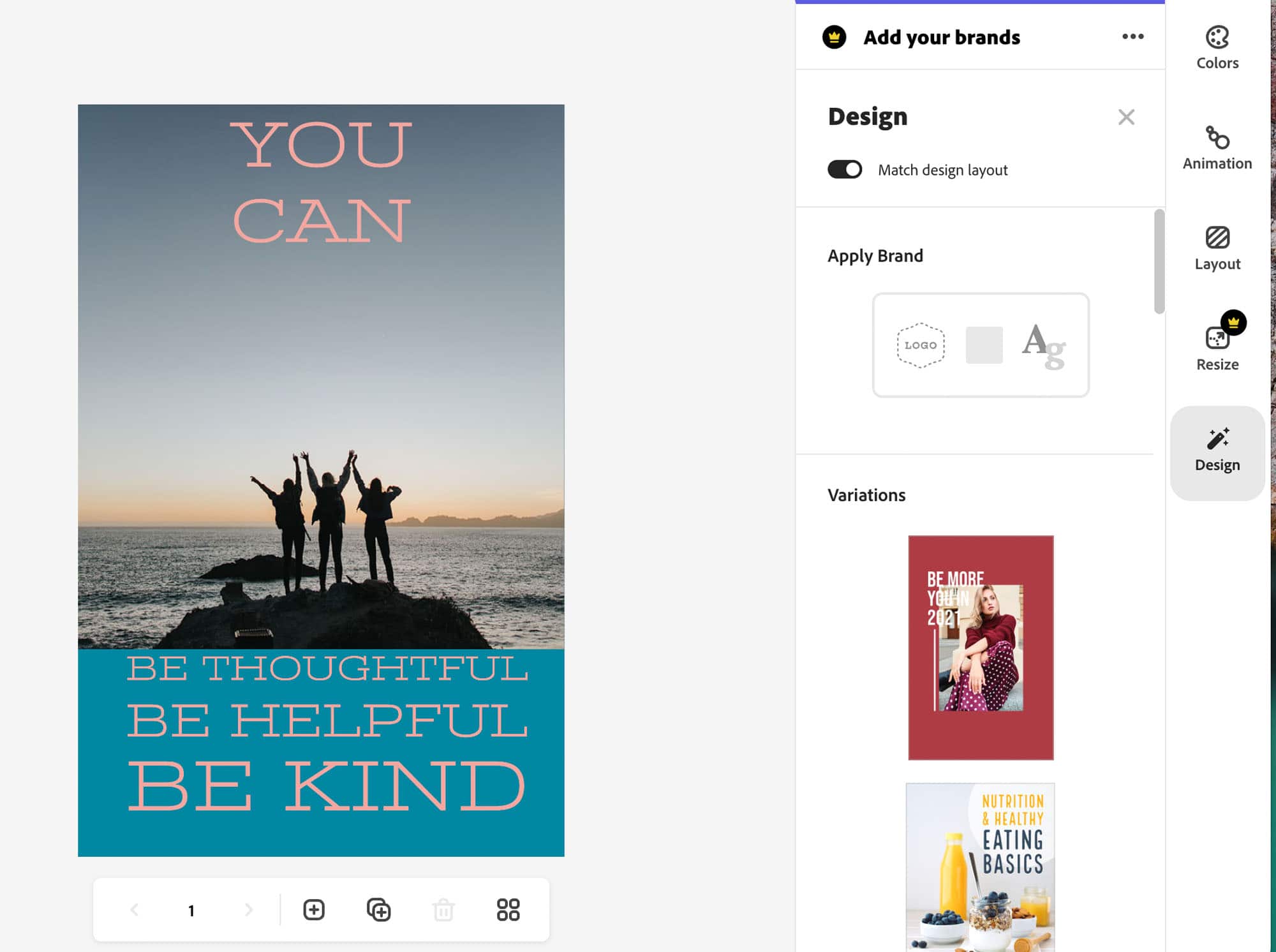
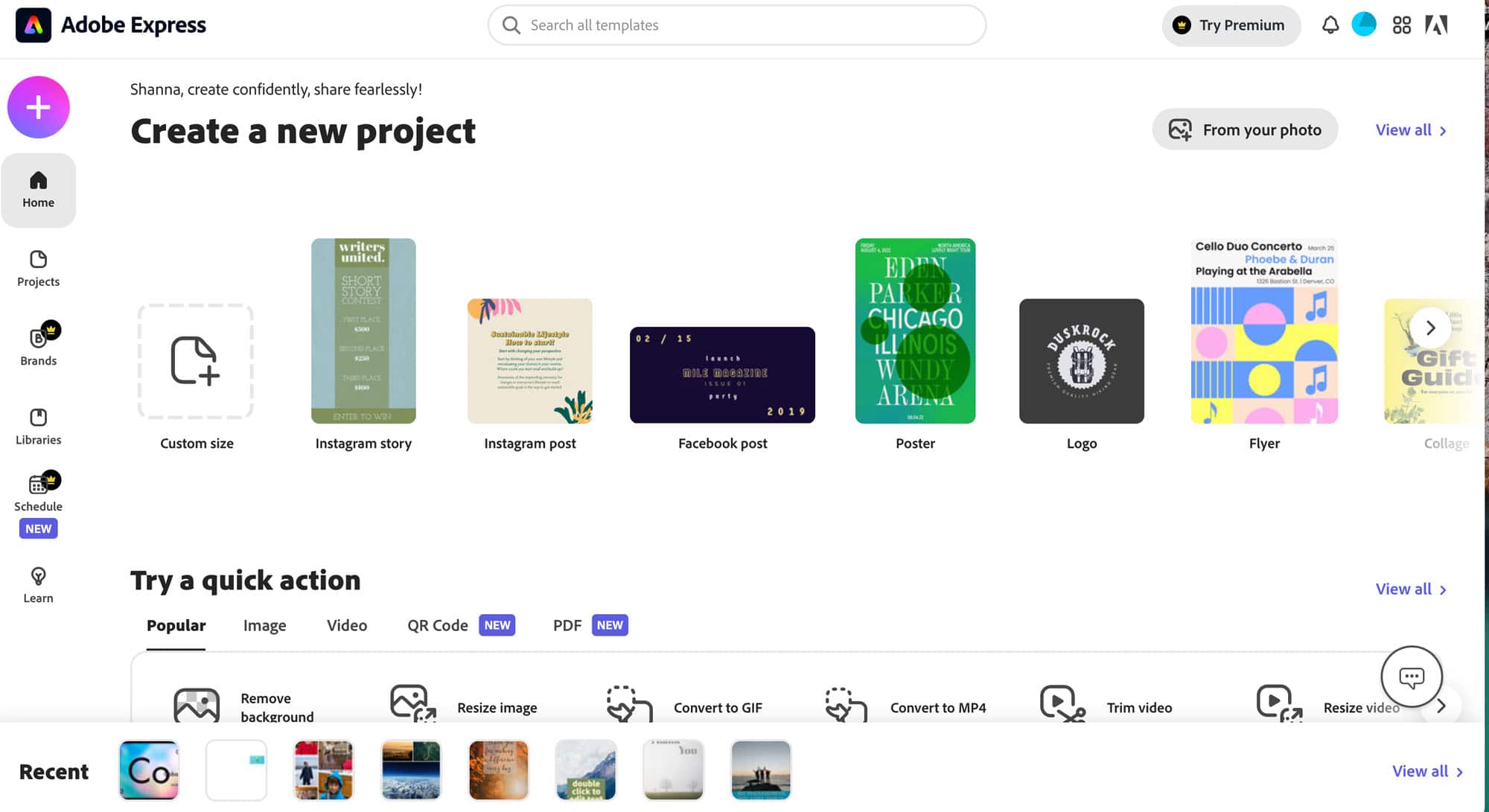
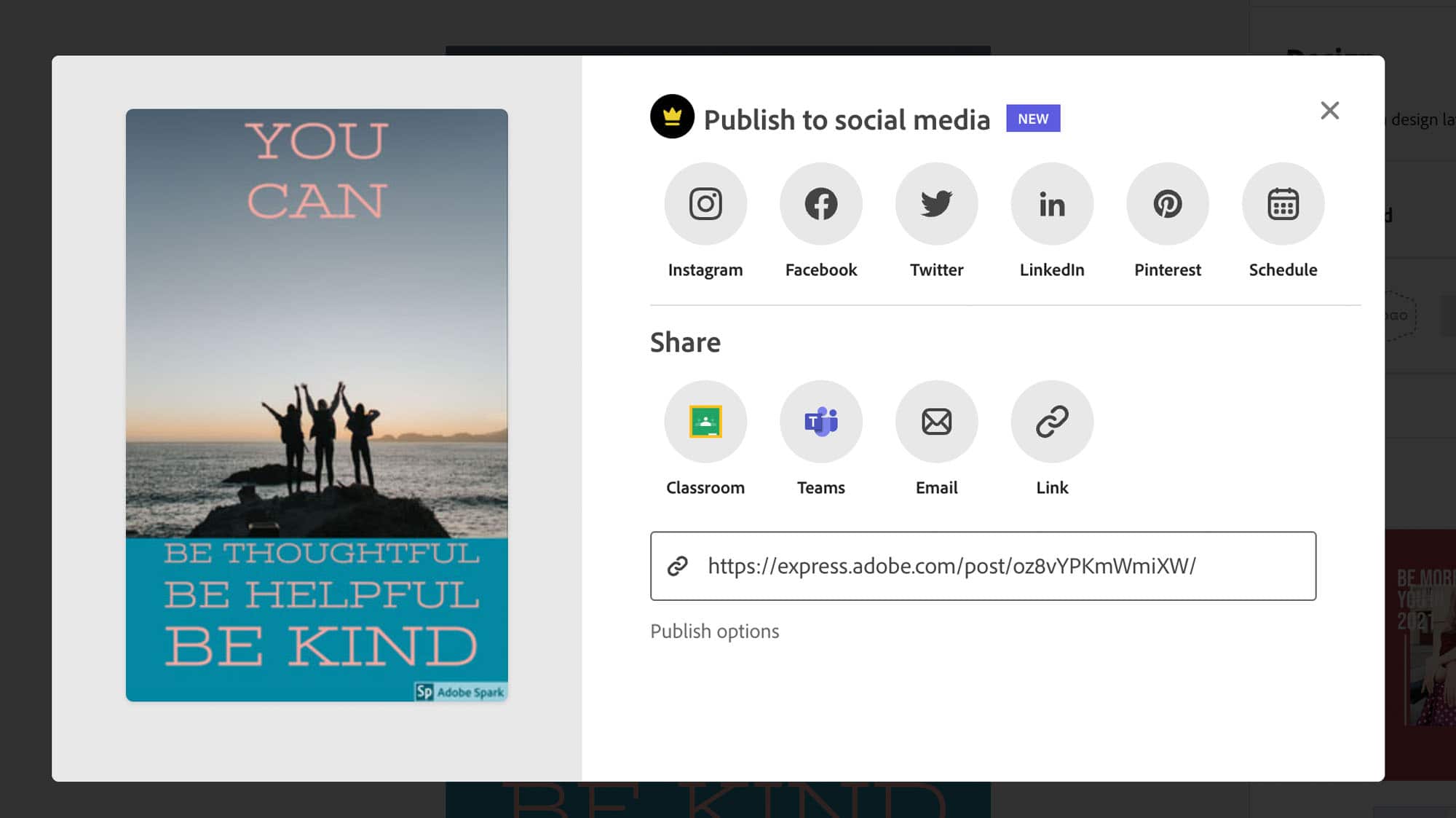
Our other creation tool this week is Adobe Express (formerly Adobe Spark). This is another fantastic site for quick digital projects. Adobe Express allows teachers and students to connect through their school email and work for free with a few limitations. Once you are done creating using all of the Adobe tools, you can easily save to your Google Drive (it won’t get lost!) or share in Google Classroom. It also allows you to send the direct link to others and add collaborators. There are a lot of features in Adobe Express that make it very user friendly for teachers and students. We also chatted about other ways you can use this site way back in Episode 8 if you want some other ideas!
Hopefully these sites will help your students share their knowledge in some fun and creative ways! I would love to see what what they come up with! If you see some awesome ideas, please share them with me on Twitter @smartinwi! Go Educate and Innovate! 🙂
TECH MENTIONED IN THIS EPISODE:
Related Episodes: