Chalkie AI for Fast, Teacher-Friendly Lessons
March 25, 2026
Chalkie AI: A Quick Way to Build Lessons, Review, and Sub Plans
Spring break season is here, and whether your break is this week, next week, or somewhere in between, this time of year tends to come with a mix of catching up, planning ahead, and trying to make every minute count.
That’s why this week on the Tech Tools for Teachers Podcast, we’re talking about Chalkie: an AI-powered tool built specifically for educators.
And yes, the name is fitting. While most of us have moved on from actual chalkboards, there’s still something kind of perfect about a teaching tool called Chalkie.
What Is Chalkie?
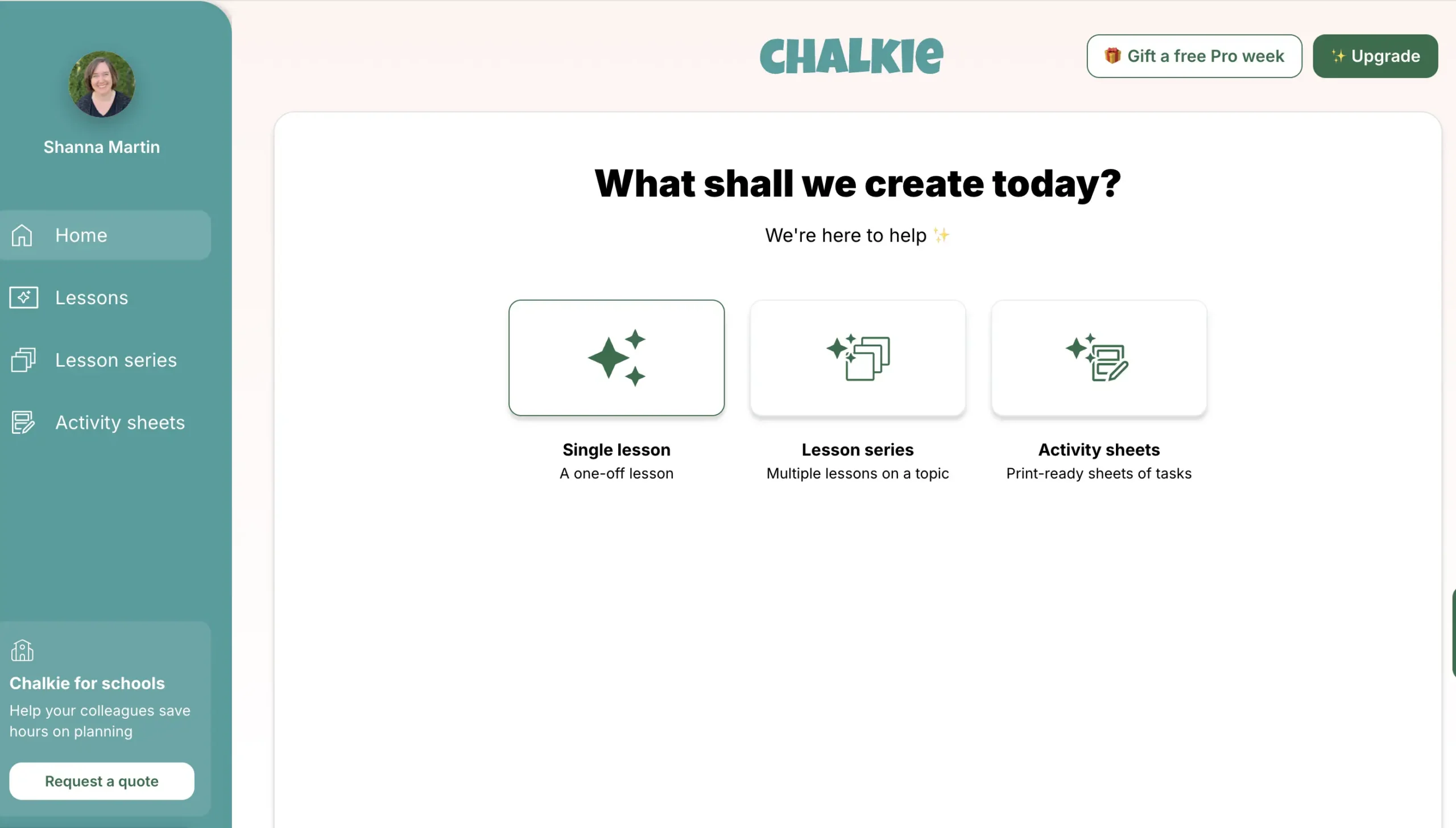
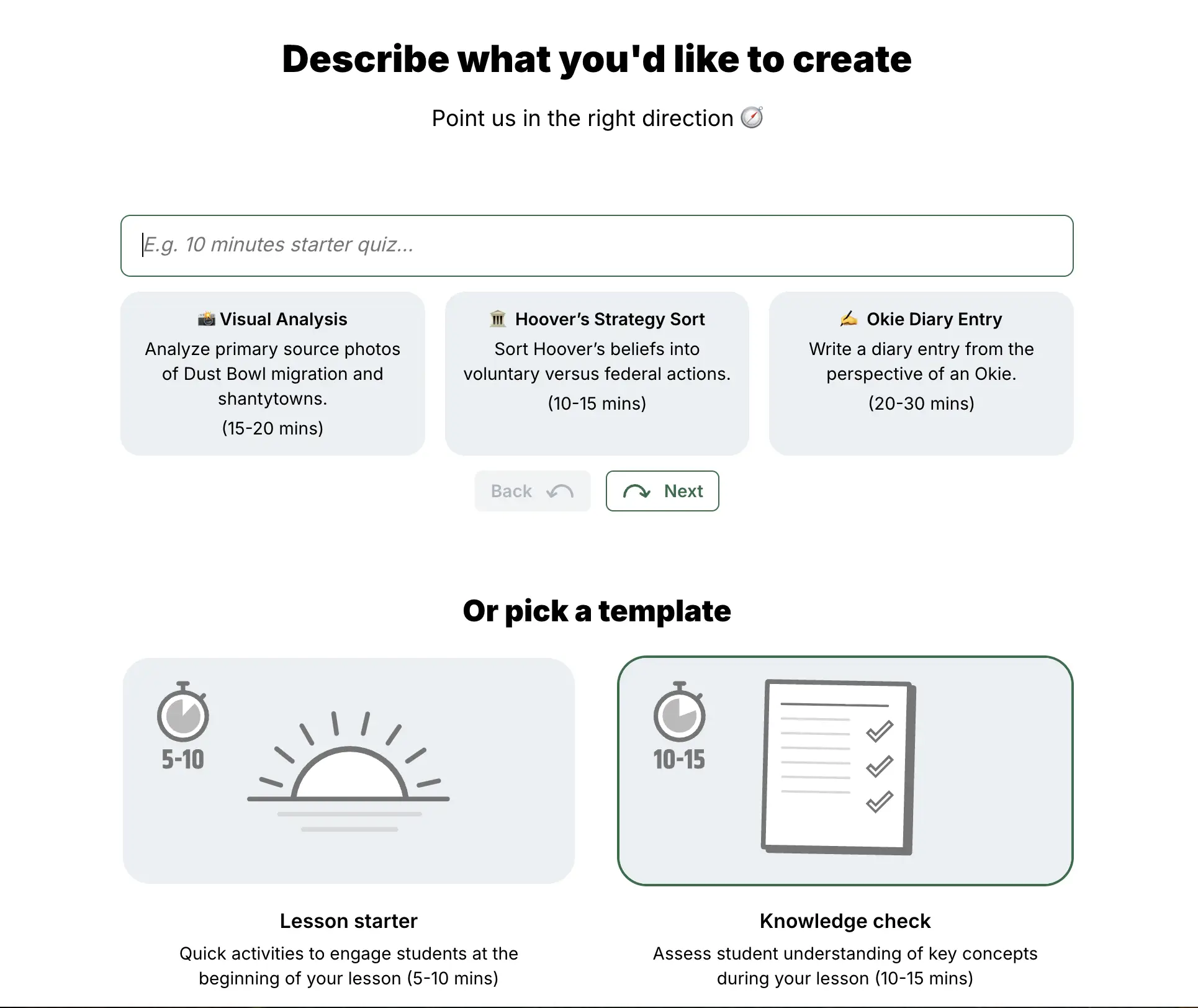
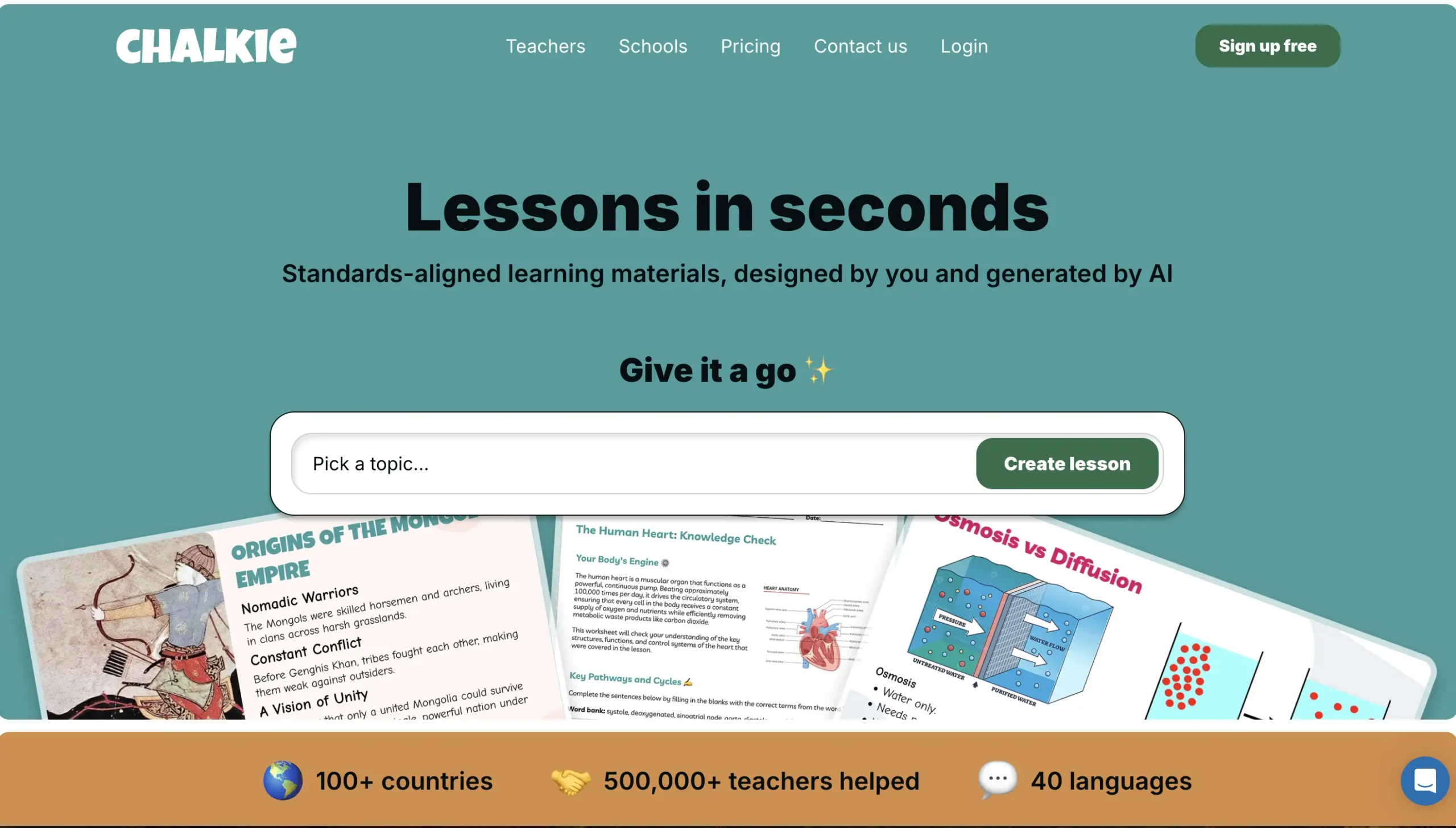
Chalkie is an AI lesson-building platform that helps teachers quickly create:
- single lessons
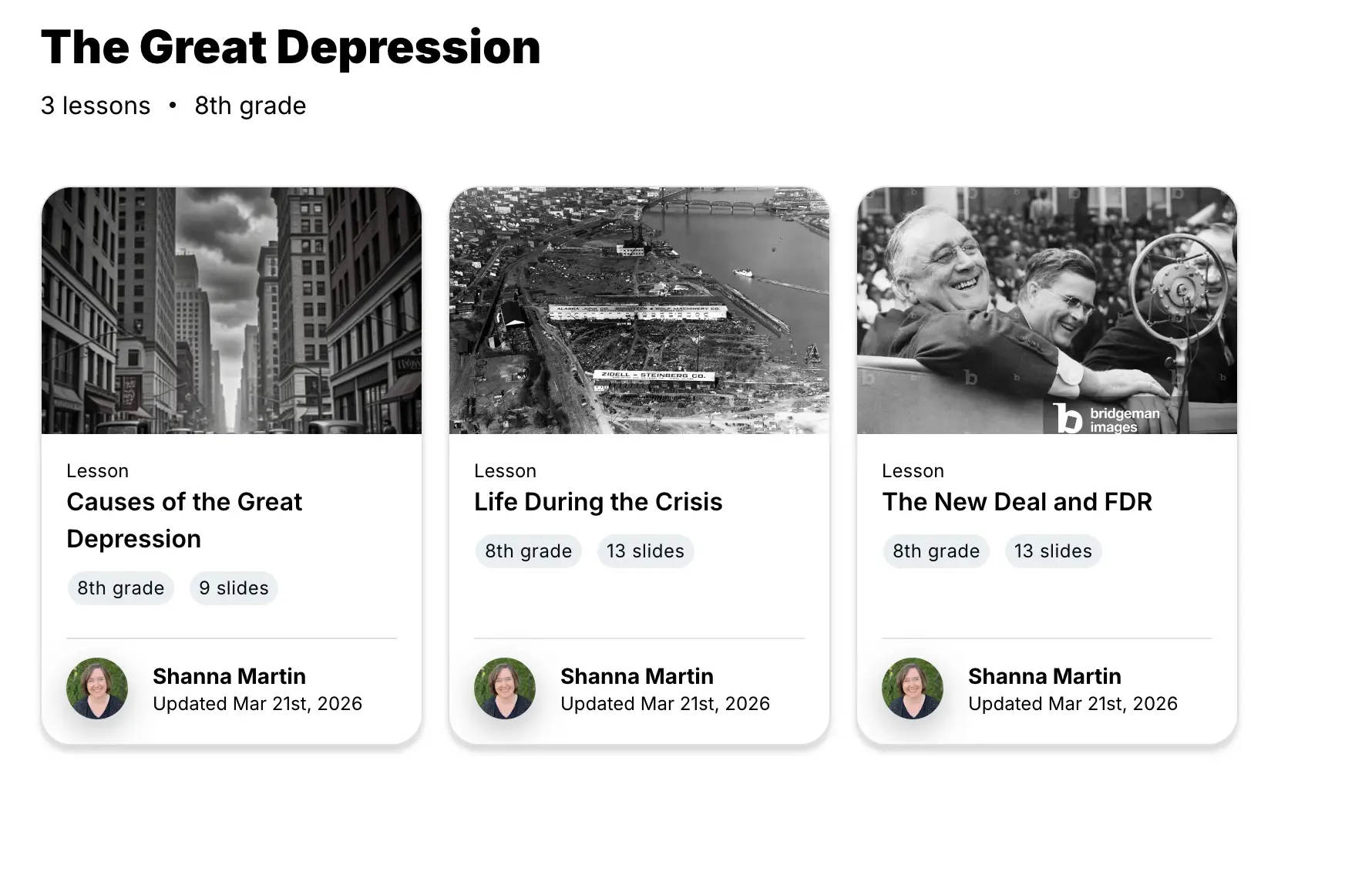
- lesson series
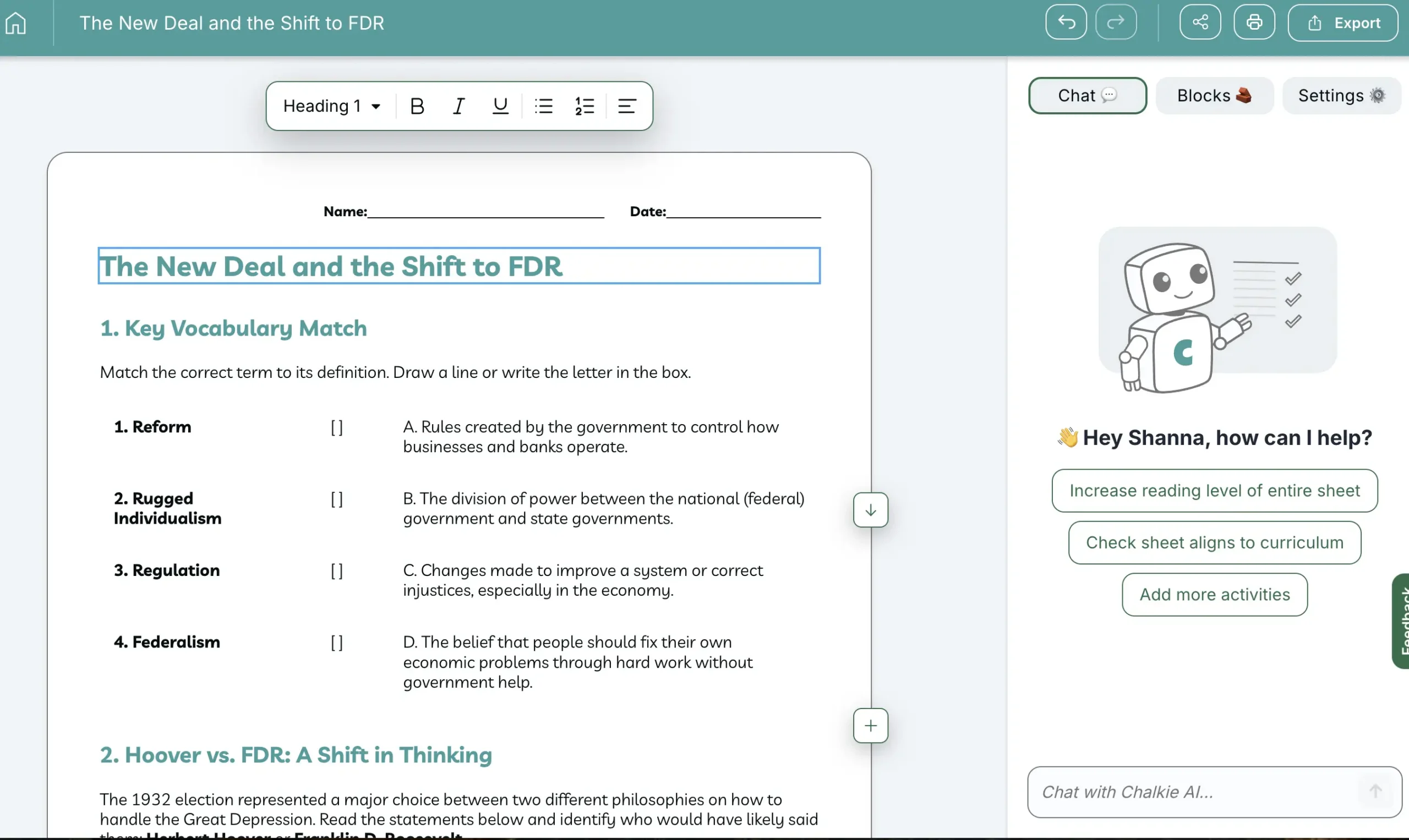
- activity sheets
- review pages
- station work
- quick sub plans
It’s designed for educators, which means it feels more classroom-ready than a lot of general AI tools. Instead of having to piece together prompts, visuals, vocabulary, objectives, and activity pages from scratch, Chalkie helps organize those pieces for you in one place.
Why It Stands Out
What makes Chalkie especially useful is how straightforward it is.
You’re not digging through a dozen menus or trying to figure out what to click first. You choose what you want to create, enter your topic, pick your grade level and reading level, add a few details, and Chalkie starts building.
It also lets you adjust for student needs with background options such as:
- low stimulation
- dyslexia-friendly
- low vision
- ADHD-friendly
- early learners
That kind of flexibility matters.
What You Can Make
Single Lessons
This is a great option when you need something fast:
- a review day
- a one-off concept lesson
- a quick sub plan
- an extra station activity
- a lesson to fill a gap between units
Lesson Series
If you’re planning a multi-day sequence, Chalkie can build a connected series of lessons on a topic. This is especially useful when you want consistency across a few days but don’t want to build every slide and sheet from scratch.
Activity Sheets
This might be one of the most practical features. If you need a printable practice page, review sheet, or station task, Chalkie can create it and pair it with your lesson content.
A Real Teaching Reminder
One of the smartest points from this episode: just because AI can make the lesson doesn’t mean it can teach the lesson for you.
You still need to know your content. You still need to know your students. You still need to decide what to keep, what to edit, and how to deliver it well.
But if Chalkie can save you time putting together a lesson shell, vocab list, quick check, or activity page? That’s a win.
Good Uses for Chalkie
Chalkie is especially helpful for:
- quick review lessons
- station or choice board materials
- emergency sub plans
- reteaching concepts
- supplementing your regular curriculum
- making a lesson feel a little fresher without starting over
The free educator version is limited per week, but still useful enough to build in extra support where you need it.
And once you create materials, they stay in your account, organized and easy to revisit.
Final Thought
When you’re short on time—which, let’s be honest, is pretty much always—tools that are clean, simple, and actually built for teachers can make a huge difference.
Chalkie won’t replace good teaching, but it can absolutely make planning easier.
Go educate and innovate.
❤️ Shanna
TECH MENTIONED IN THIS EPISODE