Art Made Easy: How Kleki and AutoDraw Can Enhance Student Creativity
October 28, 2024

Looking to bring some digital creativity into your classroom without the hassle? This week, we’re chatting about two fantastic digital art tools. Whether you’re teaching 4th graders or high school students, Kleki and Auto Draw both offer the perfect blend of simplicity and functionality!
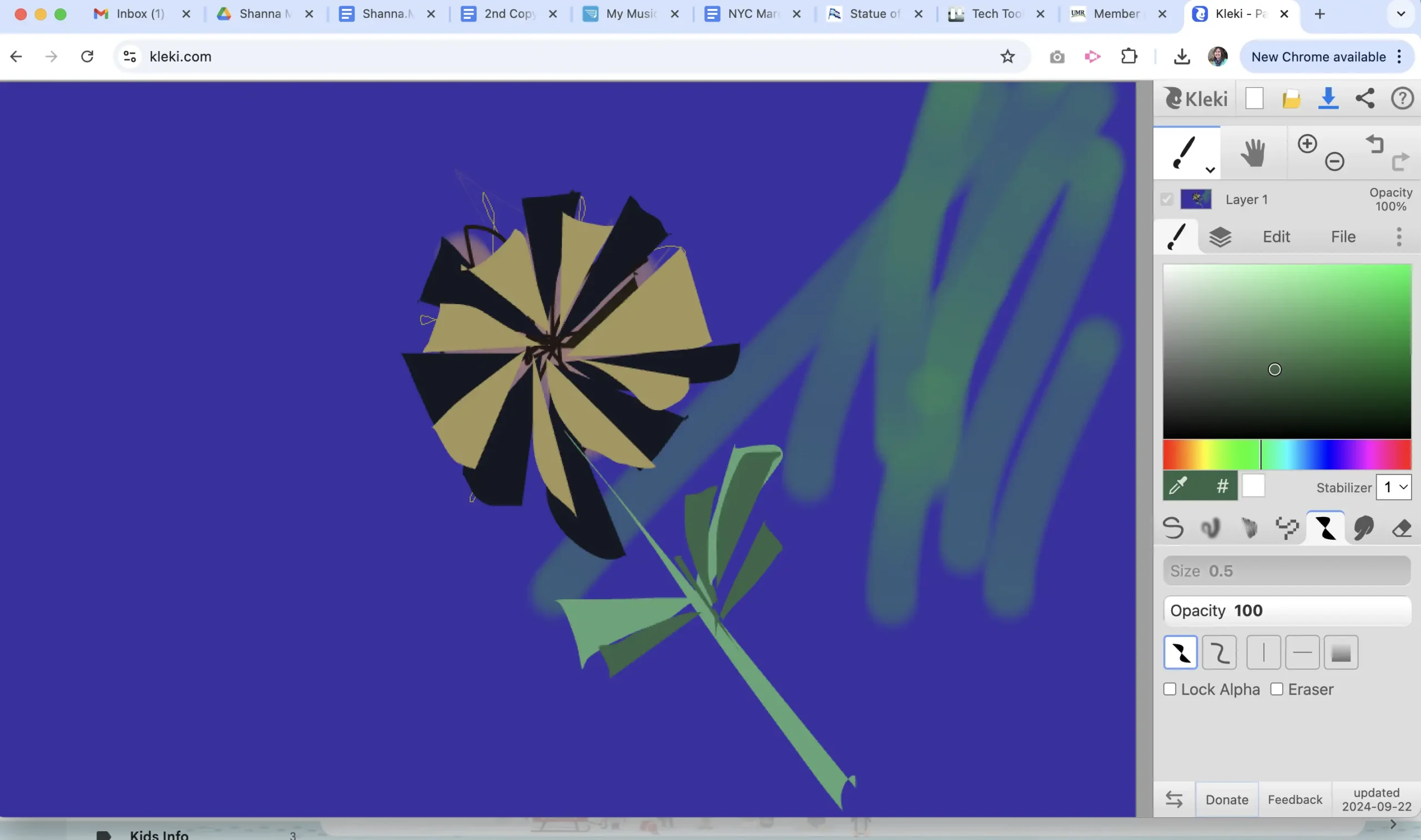

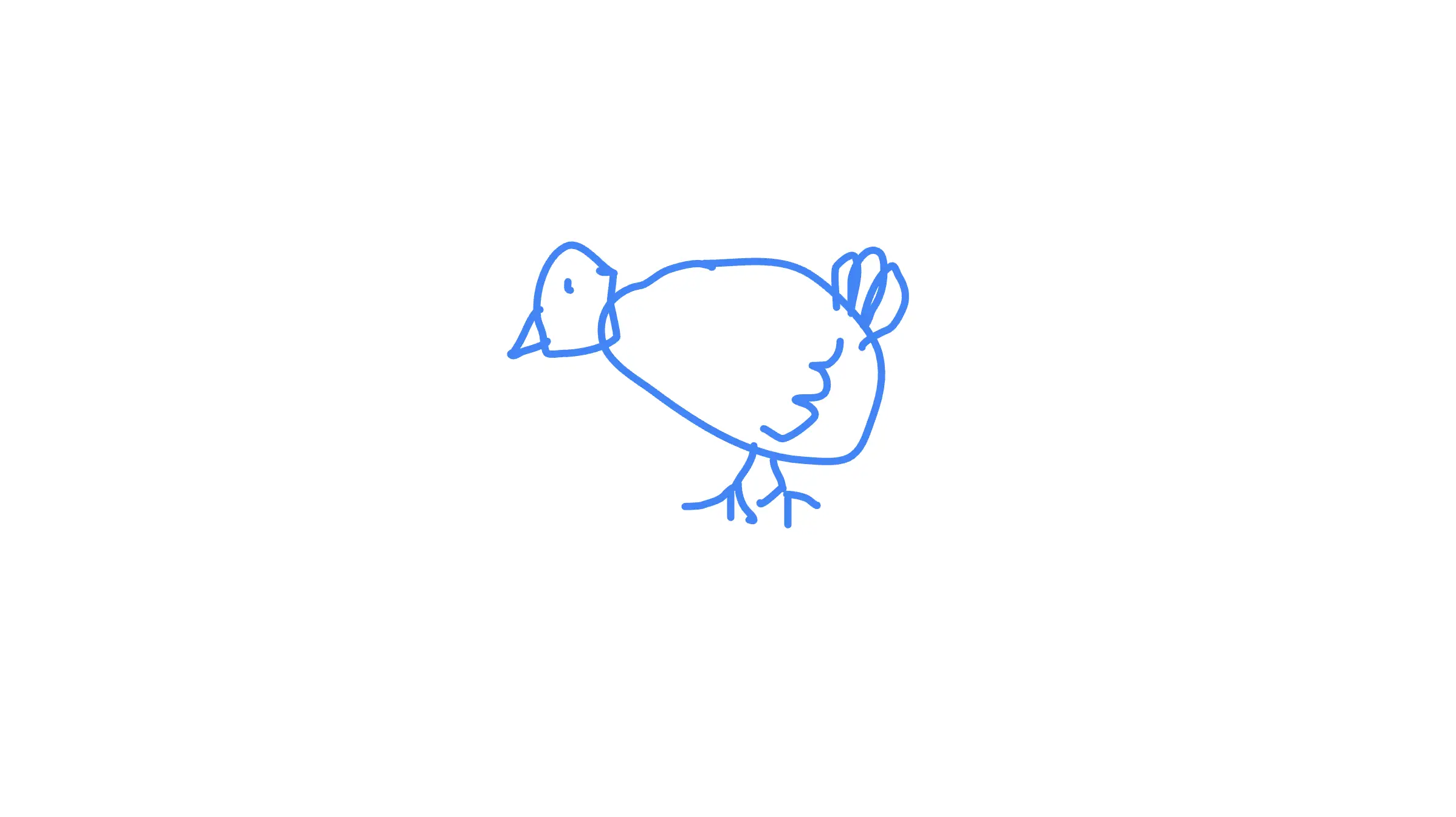
Fuzz’s Chicken

Shanna’s Chicken
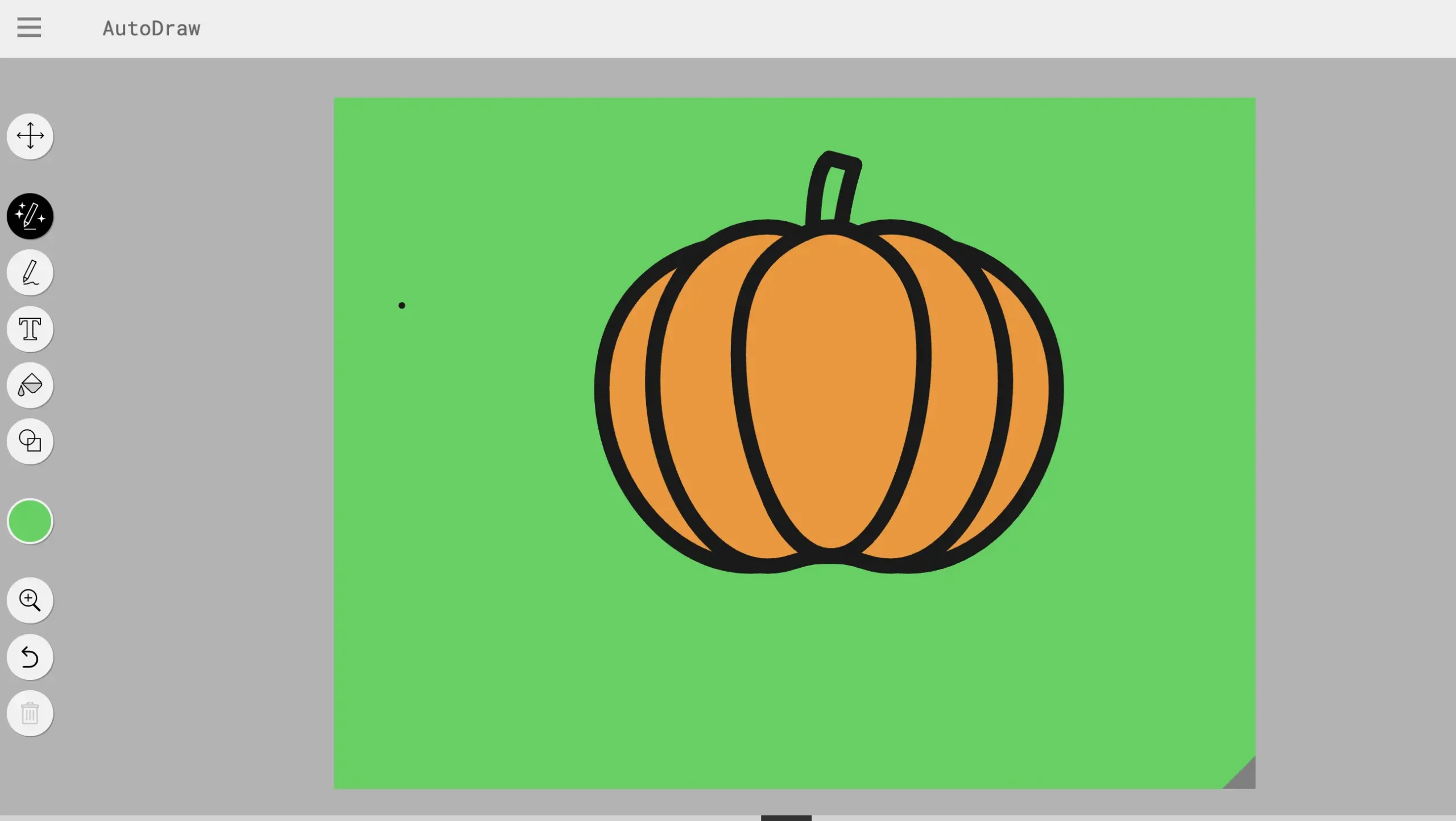
Kleki and AutoDraw are awesome because:
- Zero Setup: Just instant creativity
- Download & Go: Save artwork directly to your computer or share instantly with a simple click
- Intuitive Tools: Students can start creating immediately without a lengthy learning curve
- Perfect for Digital Art Intro: Ideal stepping stones into the world of digital creativity
- Unleashing Creativity! Students who might be hesitant with traditional art materials often shine when given digital tools. The “undo” button becomes their friend, encouraging experimentation and bold choices!
These tools let students jump right into creating and can save you time to support in other ways. Plus, sharing work for feedback or display is just a click away! Both Kleki and AutoDraw are fun, engaging tools that will allow your students to create for all content areas from science diagrams to book cover designs. They can be used for any subject!


By the way, we did talk about AutoDraw once before, way back on Episode 20, if you want to go back and listen to that episode.
So have some fun testing them out and let us know how we did on our chickens! Have a great week everyone! Happy Creating! 🎨✨